SwiftNest
Bluetooth Headset, Wireless Headset with Mic for Work, Bluetooth V5.3 Trucker Headsets, Computer Headset with Microphone for PC
Bluetooth Headset, Wireless Headset with Mic for Work, Bluetooth V5.3 Trucker Headsets, Computer Headset with Microphone for PC
Couldn't load pickup availability
SPECIFICATIONS
Active Noise-Cancellation: No
Battery life up to[hours]: 17
Bluetooth 5.3 Wireless Earbuds: Dual Connection
Bluetooth Earphones: Calls with Exceptional Clarity
Bluetooth Headphones: for Driving, Office, Business,Trucker
Bluetooth Headset: All-Day Wearing Comfort
Bluetooth Headsets: with Environmental Noise Cancellation
Bluetooth Version: 5.3
Brand Name: Lahtiwey
Category: Earphones & Headphones
Certification: CE,FCC,RoHS
Charging Method: cable
Choice: yes
Codecs: AAC,sbc
Communication: WireLess
Compatible with: Cell Phone and PC
Connectors: USB
Control Button: Yes
Earcups Type: Semi-open
Features: Waterproof,With microphone,Apple Siri Support,Dual Connection,Google Assistant Support
Frequency Response Range: 20 - 20000
Function: for Video Game,Common Headphone,For Mobile Phone,For Office,For Study
Headphone Pads Material: Memory Foam
High-concerned chemical: None
Impedance Range: up to 32 Ω
Is wireless: Yes
Magnet Type: Neodymium
Material: Metal,Leather,ABS,Plastic
Maximum wireless range[m]: 10m-20m
Mute Button: Separate Dedicated Mute Button on the Mic,Do not work when connect to PC
NFC Technology: No
Number Of Drivers: 1
Origin: Mainland China
Package List: User Manual,Charging case,Charging Cable
Plug Type: Line Type
Resistance: 32
Sensitivity: 90
Sound Isolating: Yes
Style: Wireless headphone & headset
Support Memory Card: No
Vocalism Principle: Dynamic
Voice assistant built-in: Yes
Volume Control: Yes
Waterproof: Yes
Wireless Bluetooth Headphones: with Noise Cancelling Boom Mic
Wireless Business Headphones: with Mute button
Wireless Earpiece: with High-end quality
Wireless Type: Bluetooth
With Microphone: Yes
Work on Both Ears: Bluetooth Earpiece
Bluetooth Headset, Wireless Headset with Mic for Work, Computer Headset with Microphone for PC, Bluetooth V5.3 Lightweight Headset with Noise Cancelling Mic, Mute Button, Multipoint, and Charging Base
Features
From Light to Lighter -
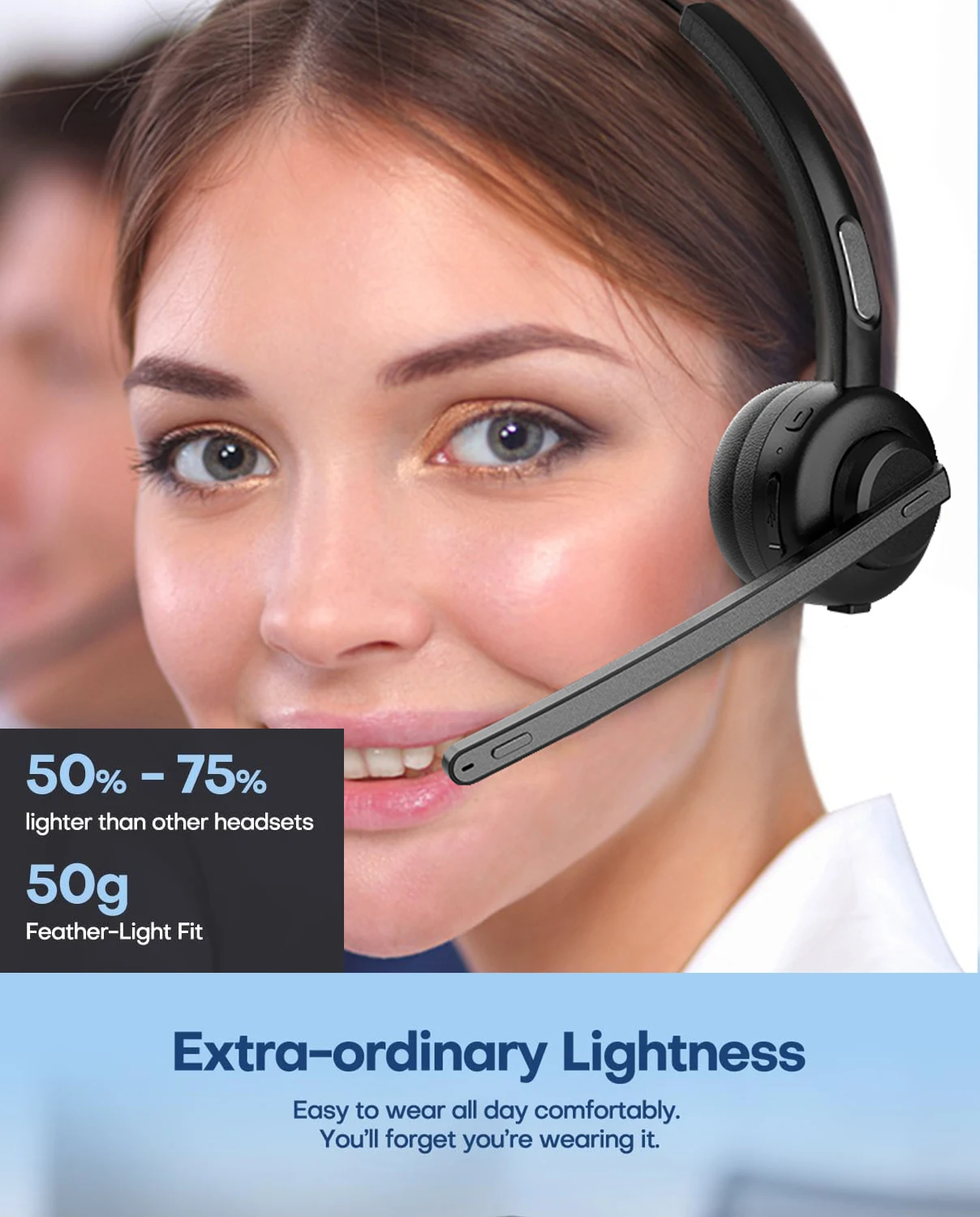
A lightweight and comfortable Bluetooth headset with mic makes long meetings and calls much easier. Unlike those heavy and bulky wireless headsets with mic for work that wear you down after a while, weighs only 50 grams: 1/2 to 3/4 or even more than 3/4 lighter than other Bluetooth headsets with microphone for work on the market - the Lahtiwey work headset with mic is so light that you’ll forget that you are wearing it so you can focus on your day without the headset getting in the way, making it ideal for prolonged listening sessions like meetings, conferences, education sessions, class sessions and so forth
Get All-Day Wearing Comfort:
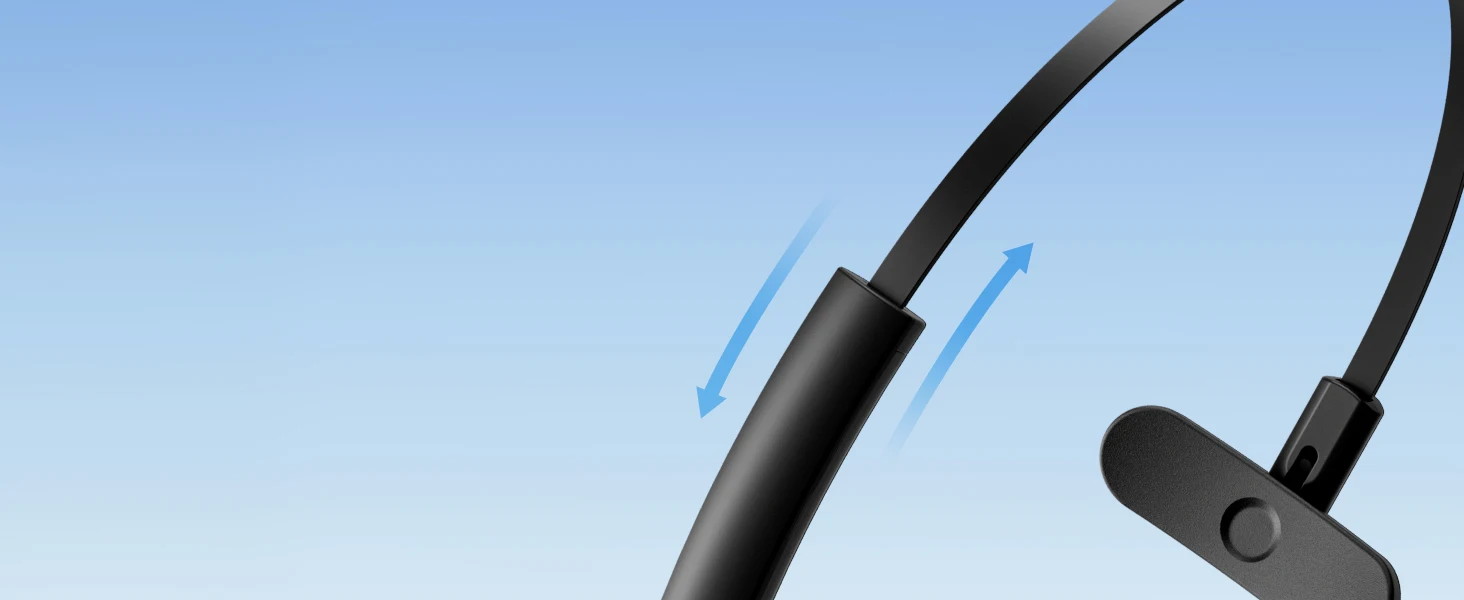
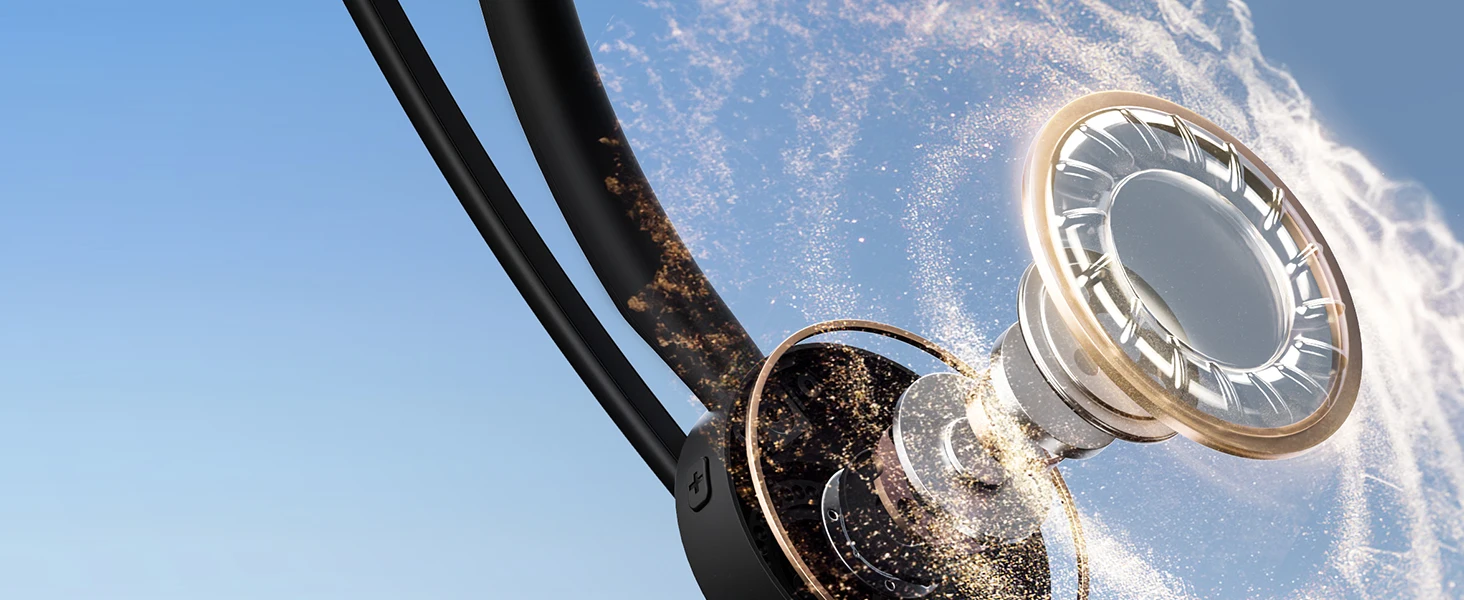
Designed for optimal comfort, the bluetooth headset for phone calls boasts pillow-soft, breathable memory protein earpads that won’t dig into your ear, a light and adjustable headband that allows for a customized fit on your head, a rotating mic that gives you the versatility of being able to wear it on either side and an ultra-light built, allowing you to immerse yourself in your work without distraction


Calls with Exceptional Clarity:
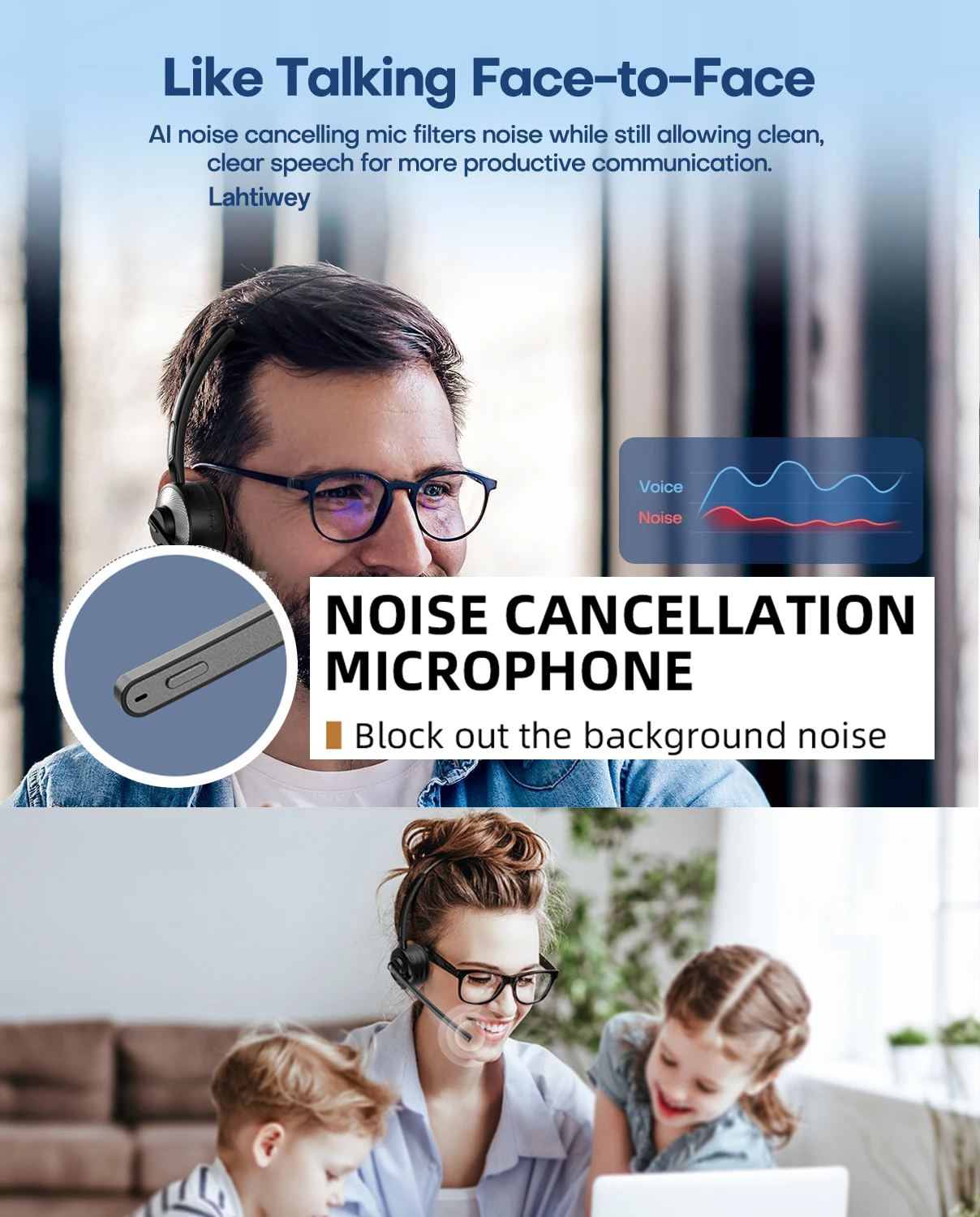
Sound like the professional you are and unleash hybrid productivity with Lahtiwey one ear headset with mic. The 270 degree rotatable boom mic ensures precise positioning and optimal noise cancellation. Enhanced microphones and a noise-cancelling algorithm isolate vocals from background noise. Your voice is delivered via wireless work headset with mic with superior clarity and loud volume so people on the other side hears you as clearly as if you’re sitting next to them. Focus more on the topic of the call rather than constantly worrying about if you’re being clear or not. Uncompromised sound quality ensures you stay on task
Cutting-edge Bluetooth 5.3 Technology:
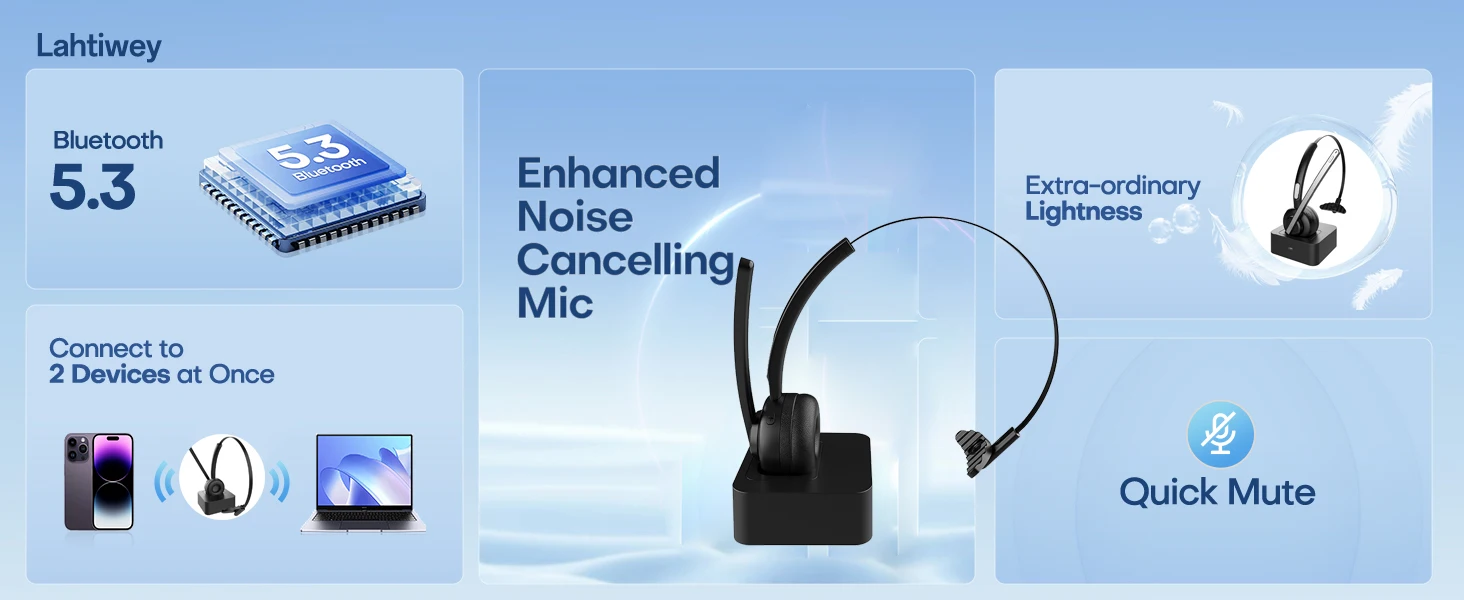
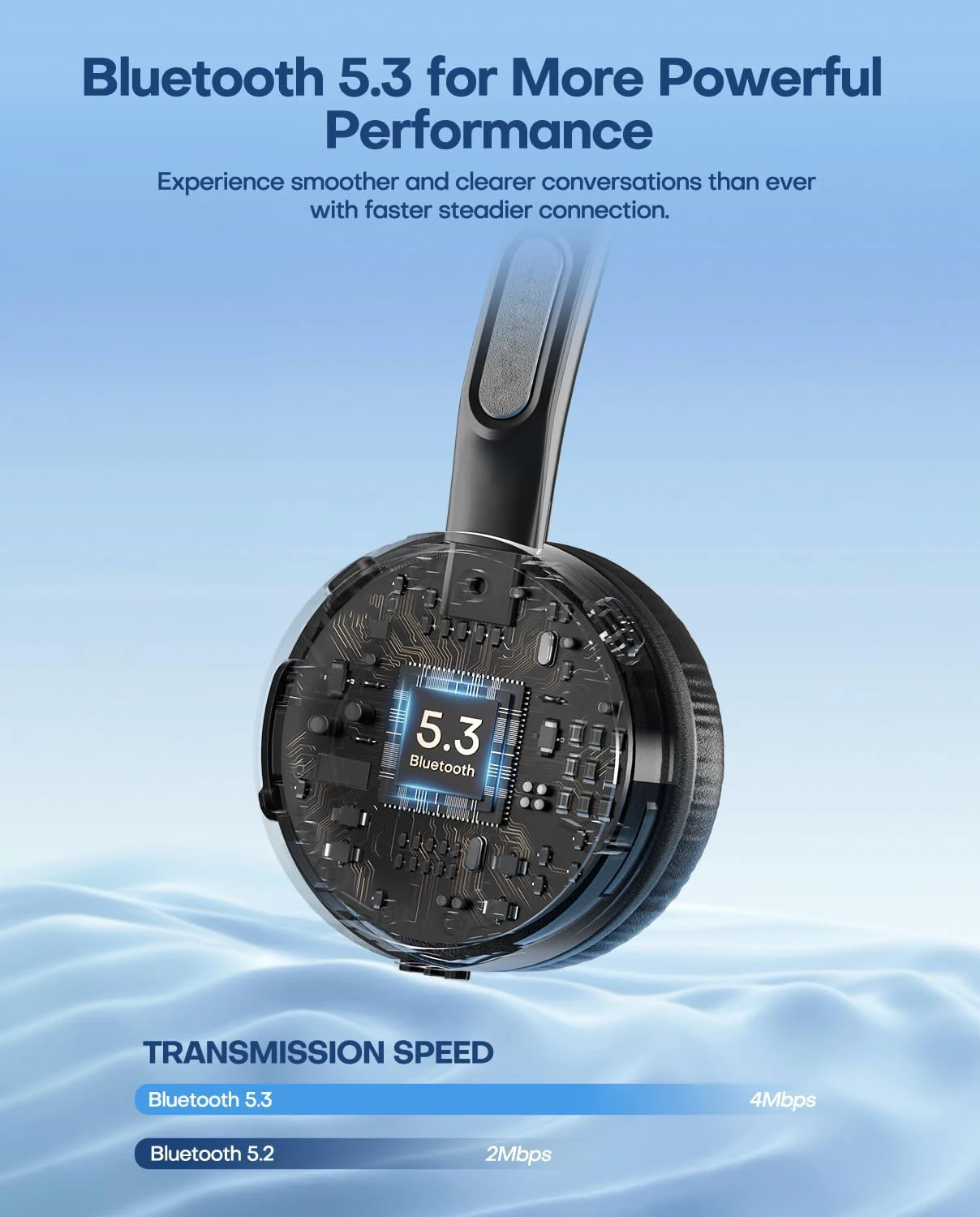
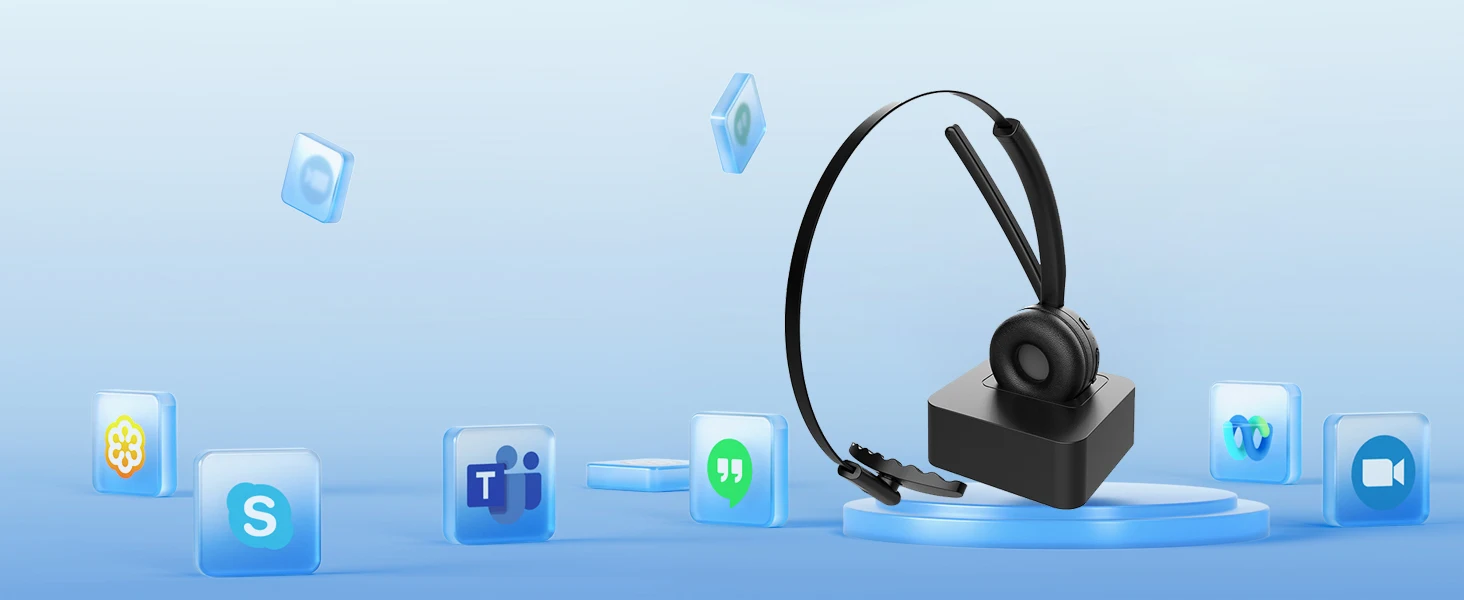
Stay connected to your device with confidence, thanks to the advanced Bluetooth 5.3 capability of the work from home headset for laptop. Bluetooth 5.3 exhibits lower latency, enhanced anti-interference capabilities, and reduced power consumption compared to Bluetooth 5.2. It ensures instant and effortless pairing and a strong, continuous connection within a range of up to 33 feet from your device. Say goodbye to interruptions and disconnections and hello to high-quality sound. With the laptop headset, which supports all leading communication platforms - like Skype, Zoom, Microsoft Teams - you will experience seamless calls wherever and whenever you work
Built for Compatibility
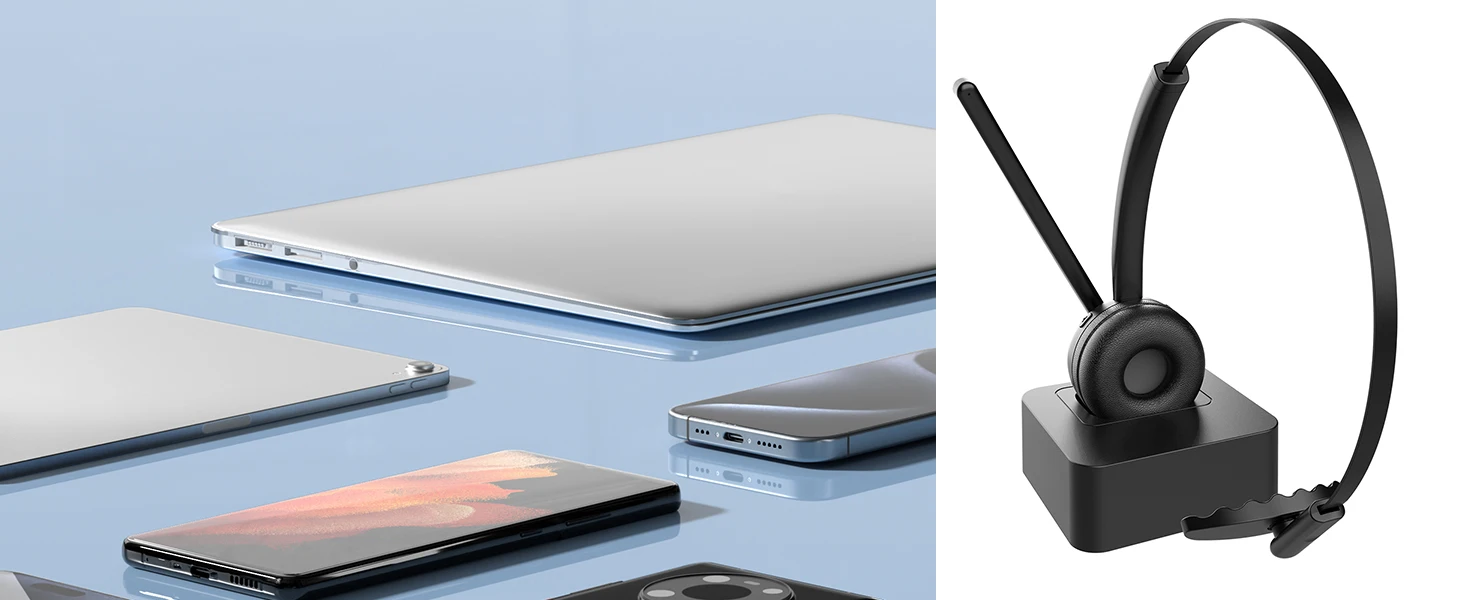
Work with a wide range of Bluetooth-enabled devices like cell phones, iPads, tablets, laptops, etc.
Compatible with Your Platform
Effortless compatibility with popular UC platforms for truly seamless communication & collaboration.
Separate Dedicated Mute Button on the Mic:
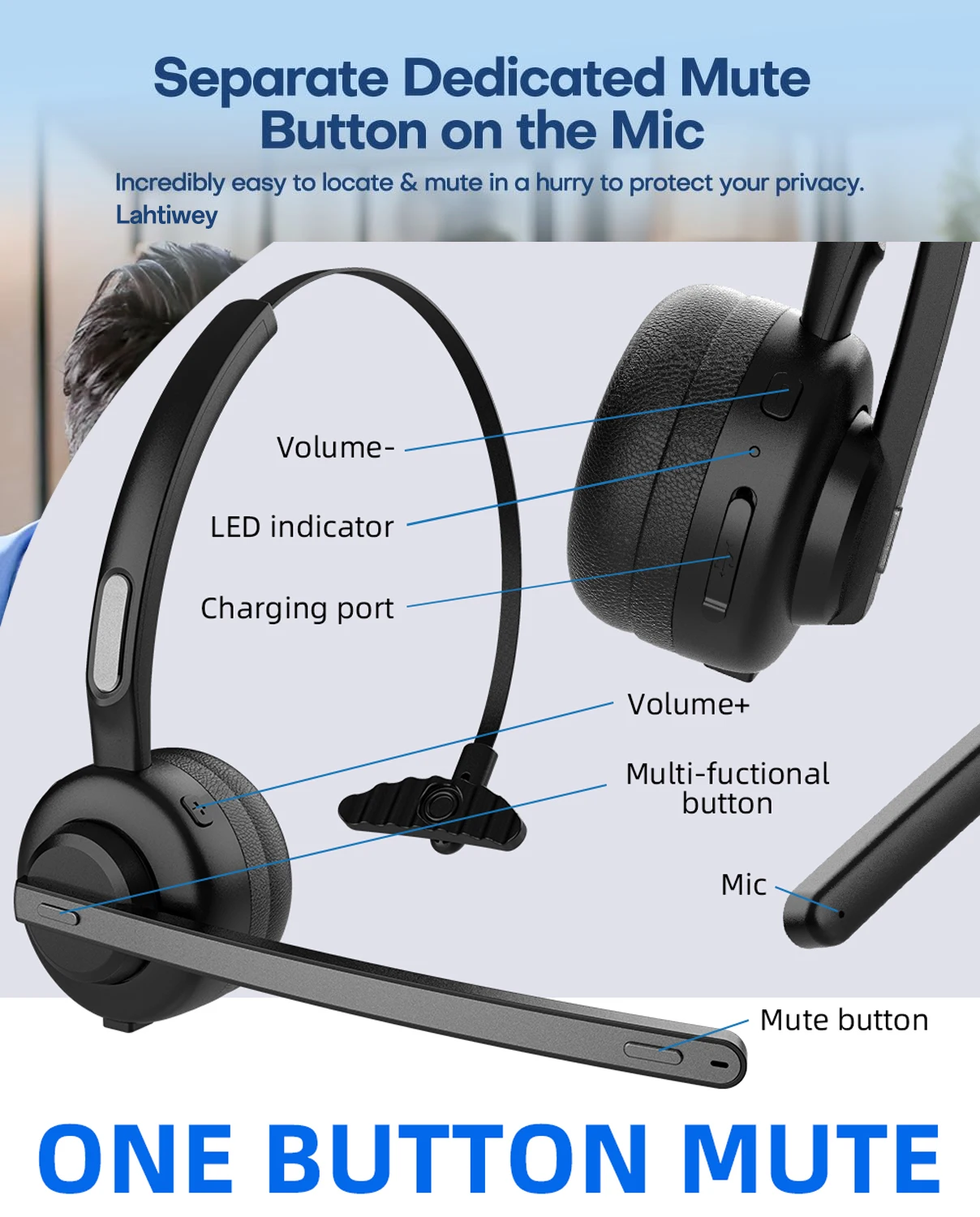
To guarantee you can locate the mute button easily in a hurry and mute quickly for something you can't wait to give it a try, the mute button is conveniently placed on the tip of the microphone boom, away from other buttons on the earcup, so there's no fumbling or confusion about which button to press, it also virtually eliminates the prospect of accidentally clicking other buttons when trying to mute. The wireless headset for pc also clearly tells you "Mute on" and "Mute off" when you press the mute button
Pair with Multiple Devices:
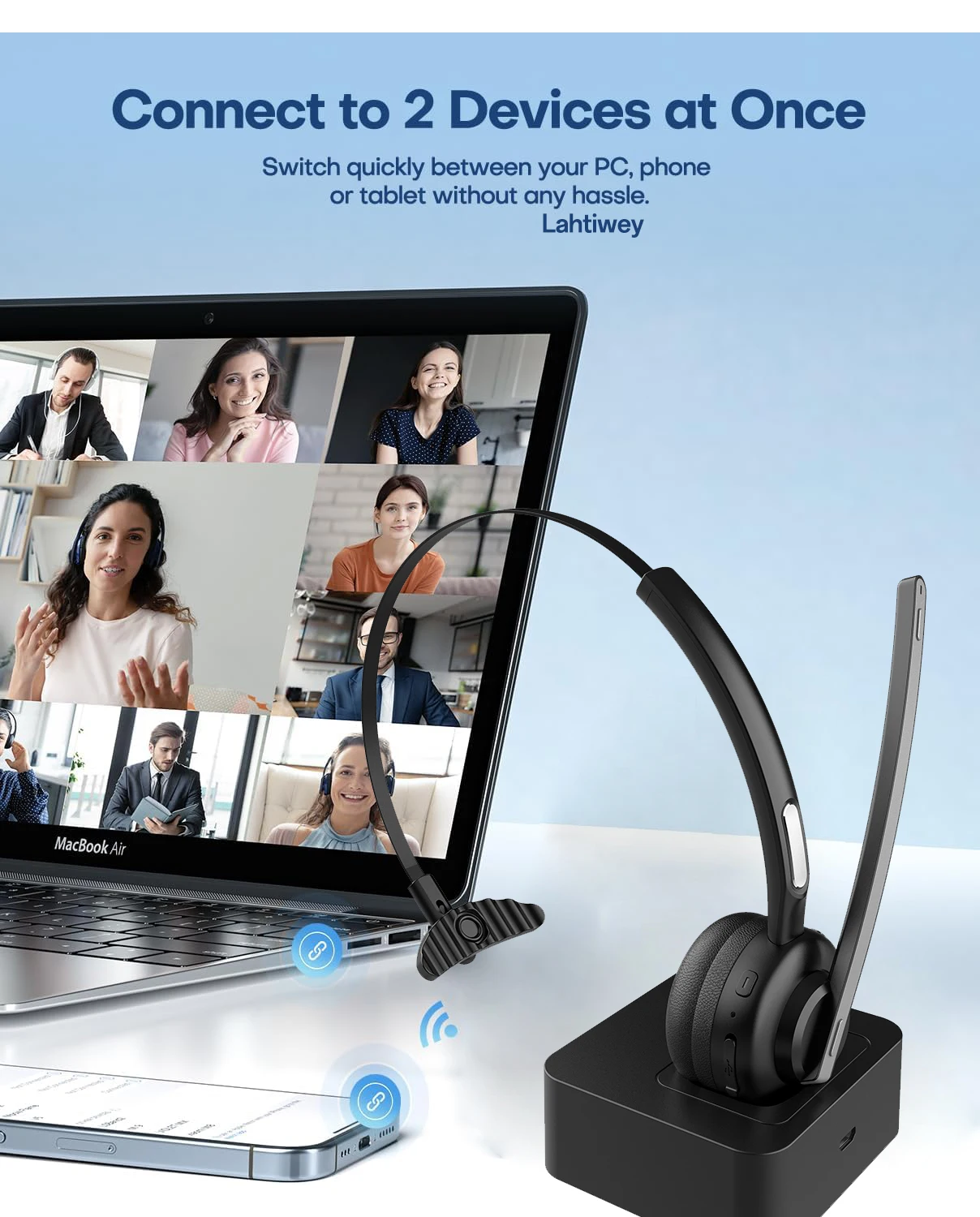
Some Bluetooth headsets may support a phone and computer connection only, while the Lahtiwey office headset with mic can connect to two devices — including cell phone, laptop, tablet, and iPad at once with multipoint pairing, allowing you to move freely between music, videos, calls, and more without skipping a beat. While listening to music or watching a movie on one of the connected devices, you can observe all the device's ongoing rings of calls or texts from platforms like Teams, Mail, etc., without having to peek at the screen. If your phone rings while you're in a video call on your computer, your connection will switch so you can take the call on your phone
Total Hands-free Control:
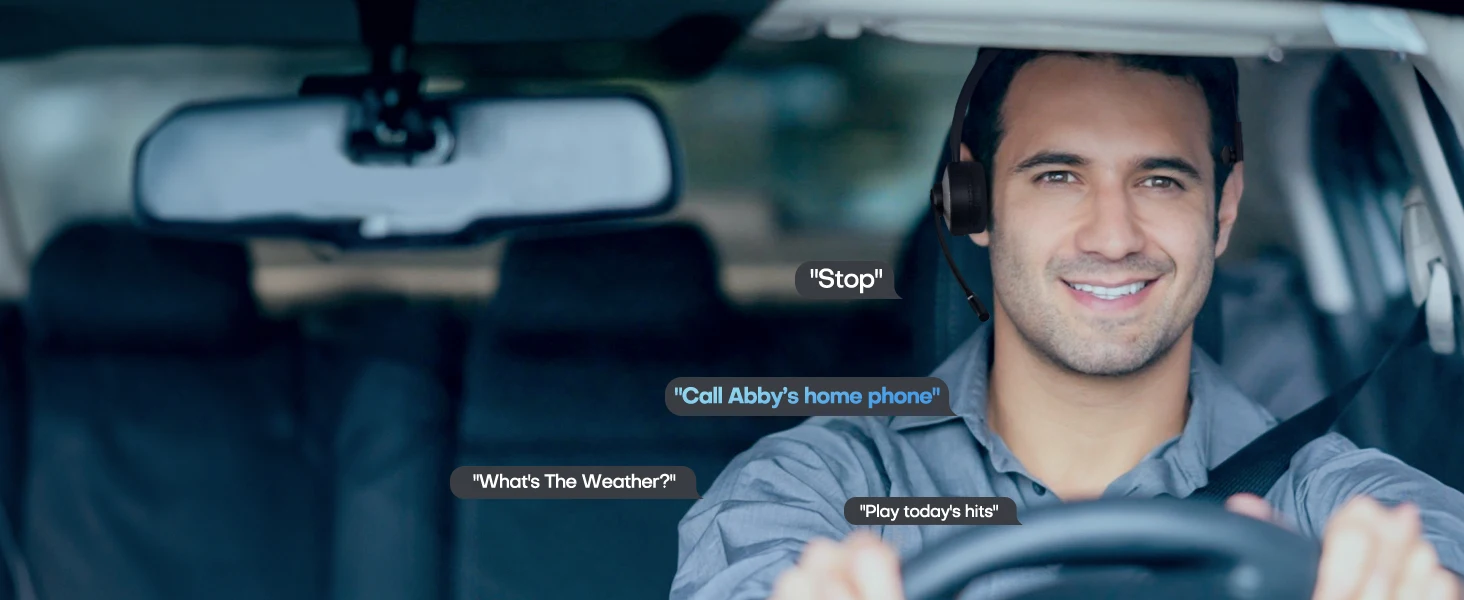
When you need your hands to do your job, simply press and hold the MFB button of the headset with mic bluetooth for 1s and you can activate your phone assistant like Siri or Google Assistant to answer calls, make calls, send texts and emails, skip tracks, get directions, get recommendations and more for total hands-free control - all without ever touching your phone
Powering Your Long Shifts. Clutter-Free Effortless Charging:
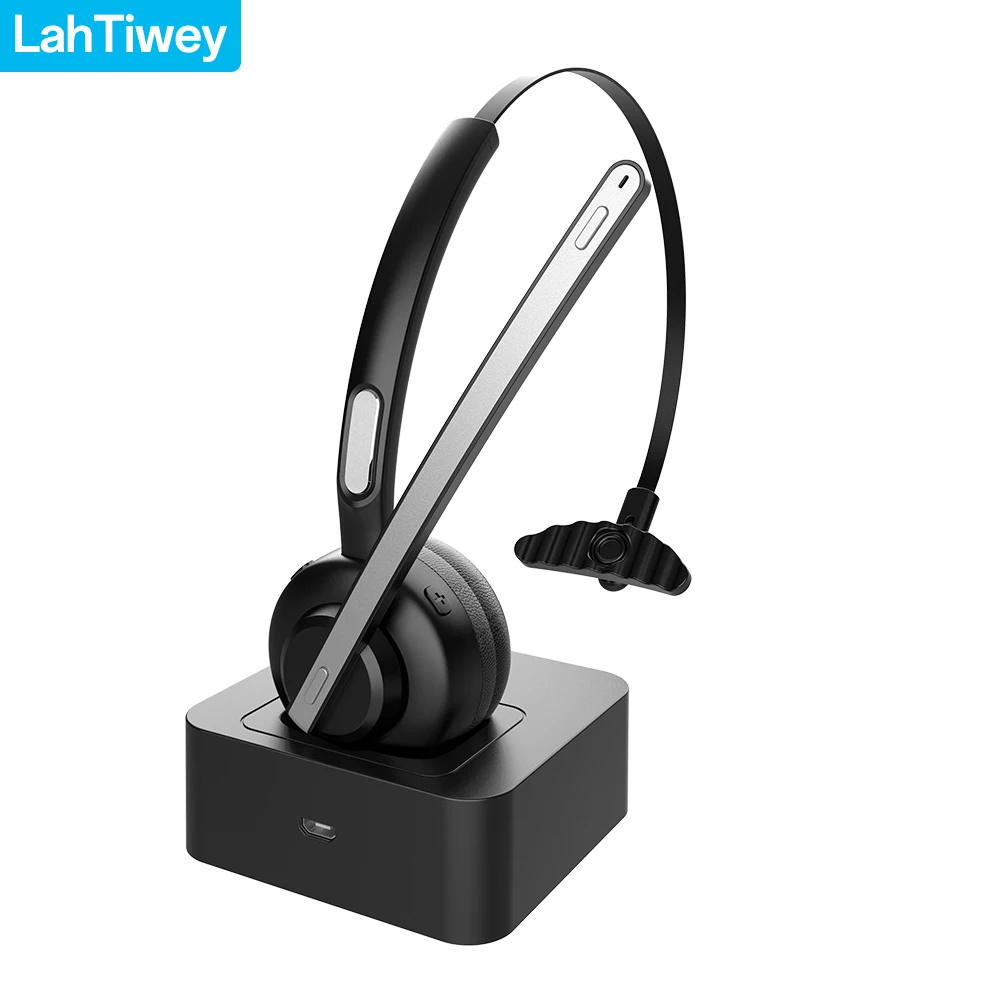
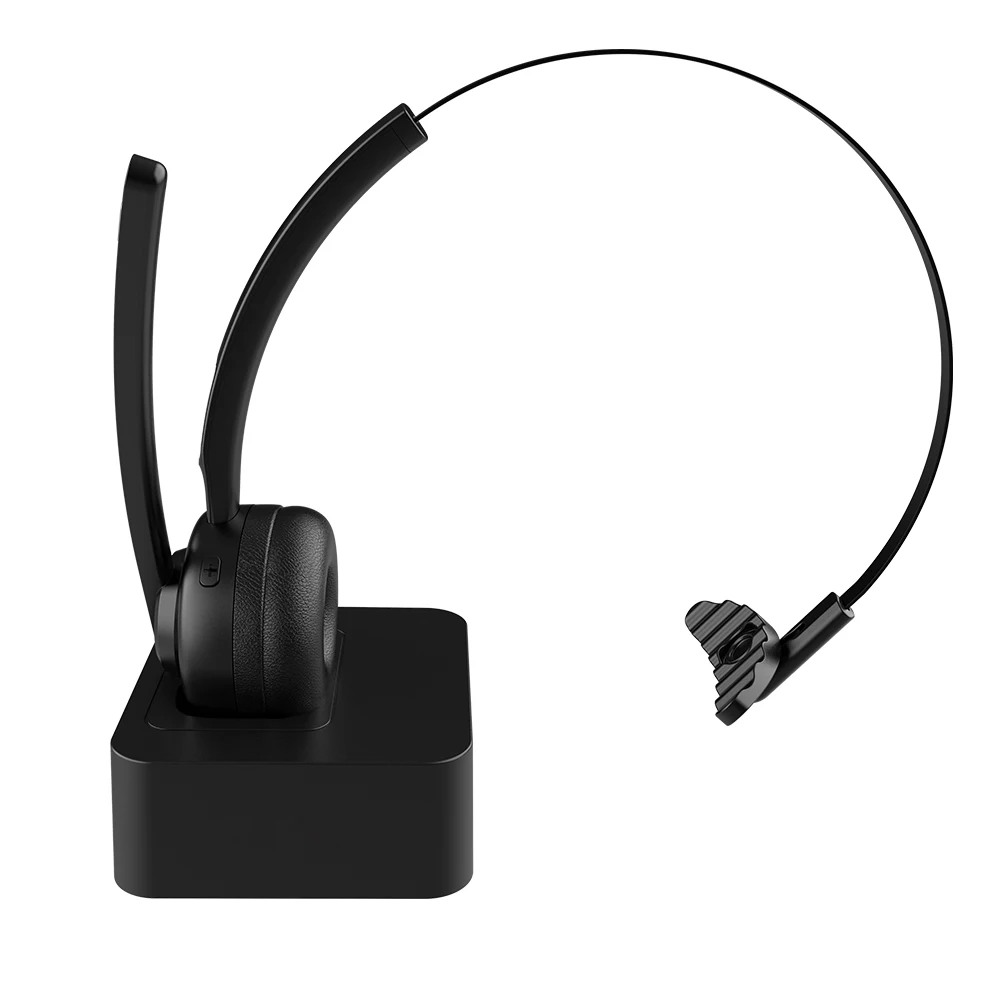
Take on any challenge with peace of mind your battery won't run out of juice during a shift. Laptop headset with microphone lasts up to 20h of music time or 14h of talk time on a single 2h charge. PC headset with mic wireless also comes with a charging stand. Simply rest the Teams headset on the base, and it charges it right away, so you're always ready for the next use. The dock is weighted so that it won’t slide around on your desk. Compact and unintrusive, the stand takes up very little space. You'll like the way the headset stands up during charging.
How to connect with two devices simultaneously?
1. After pairing with the first device, turn off the bluetooth on first device, the bluetooth headset will enter pairing mode again.
2. Turn on the bluetooth on the second device, then connect it with the bluetooth headset.
3. Turn on the bluetooth on first device.
4. Turn off the bluetooth headset and turn it on, it will automatically connect with two devices
Tips to help you get a better experience:
1. Our bluetooth headset only work with computers that have Bluetooth function. But you can use a bluetooth dongle if your computer has no Bluetooth function.
2. Poor sound quality and Bluetooth connection occur sometimes when Bluetooth Driver is not updated to the latest version.
3. The buttons on the bluetooth headset only work while using with cellphones. If you need to mute on Skype or other softwares on PC, please mute/unmute through the software you are using.
How to connect with computer?
Step 1: Download a bluetooth driver depends on your computer system and update it to newest version.
Step2: Plug in the Bluetooth dongle(not included), at this point, the gray Bluetooth icon will turn to blue.(Note: If computers have Bluetooth function, you don't need to use Bluetooth dongle)
Step3: Hold and press ” MFB” button for several seconds till the LED light flashes red and green, the headset will enter paring mode.
Step4: Right click on the computer interface, select the “search” equipment, the headset must be in pairing mode ( LED light flashes red and green) , then the computer will search for all nearby Bluetooth devices and find the "G5" signal