SwiftNest
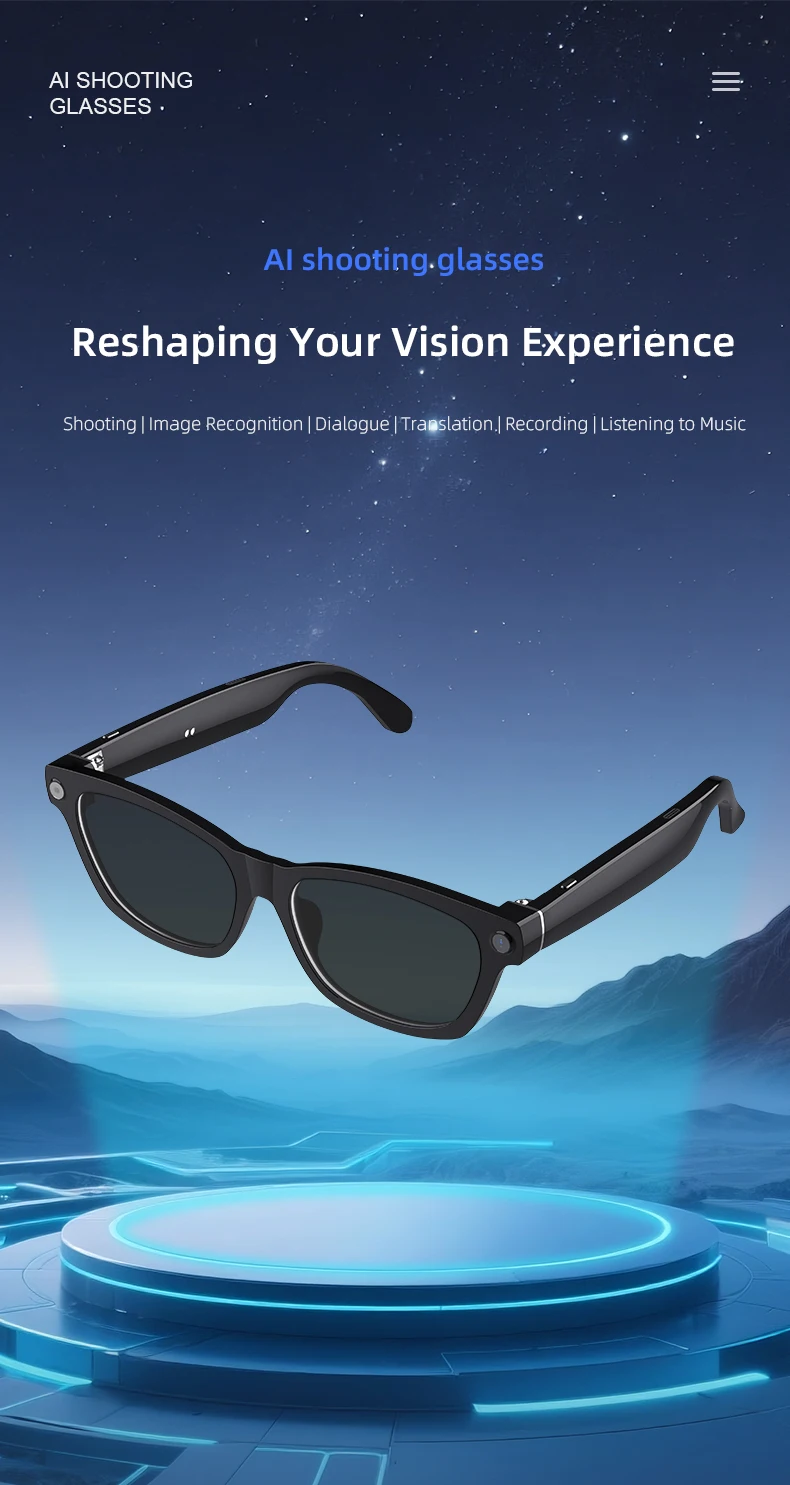
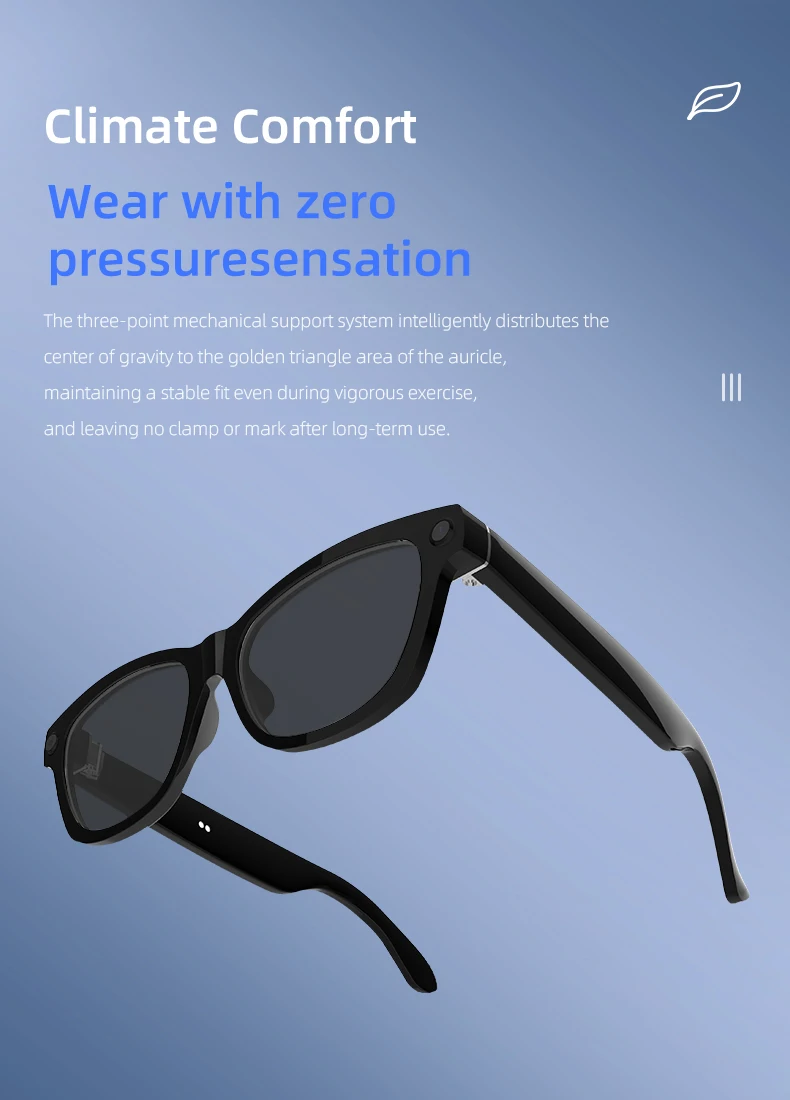
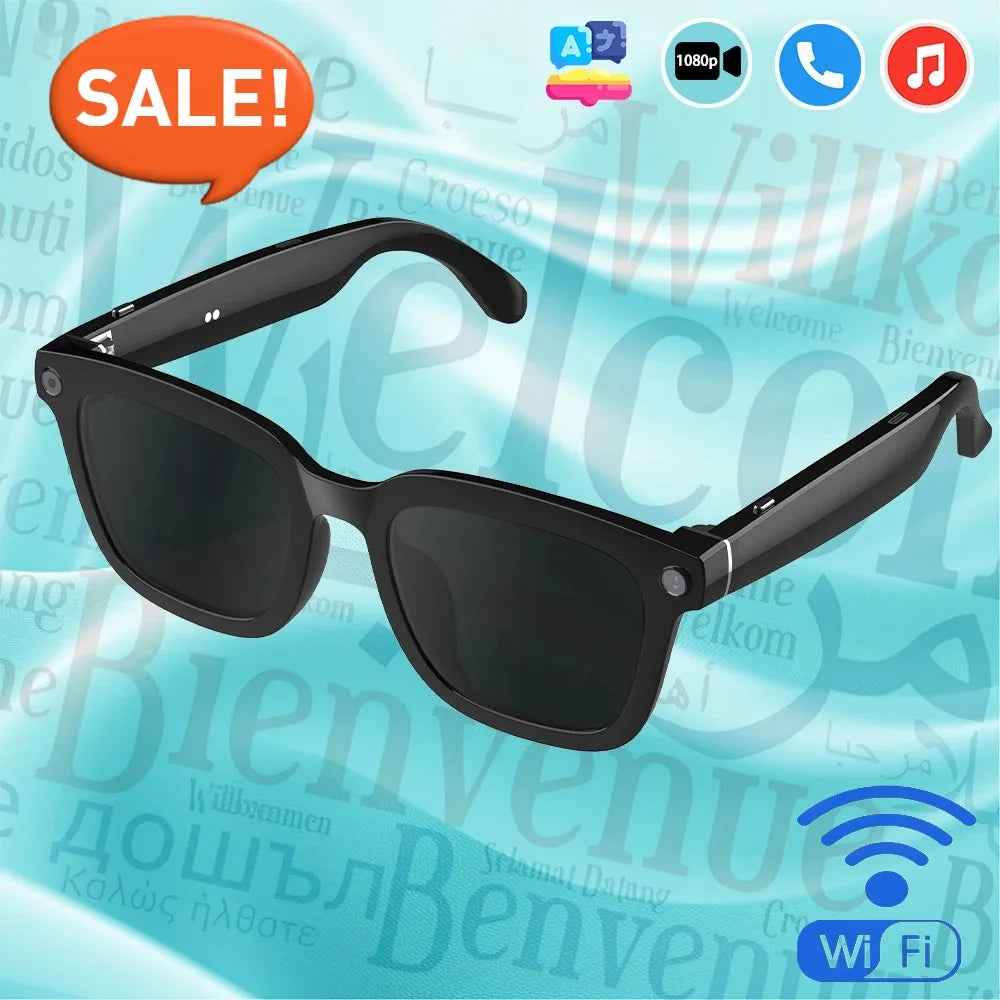
New Wifi AI Smart Glasses HD1080P Anti-shake Camera Video Glasses Voice Call Noise Reduction Wireless Bluetooth Headset Goggles
New Wifi AI Smart Glasses HD1080P Anti-shake Camera Video Glasses Voice Call Noise Reduction Wireless Bluetooth Headset Goggles
Couldn't load pickup availability
SPECIFICATIONS
Battery Included: Yes
Brand Name: Erilles
Certification: ce,FCC
Choice: yes
Connection: WiFi,Bluetooth-Compatible
Frame Replace Available: Yes
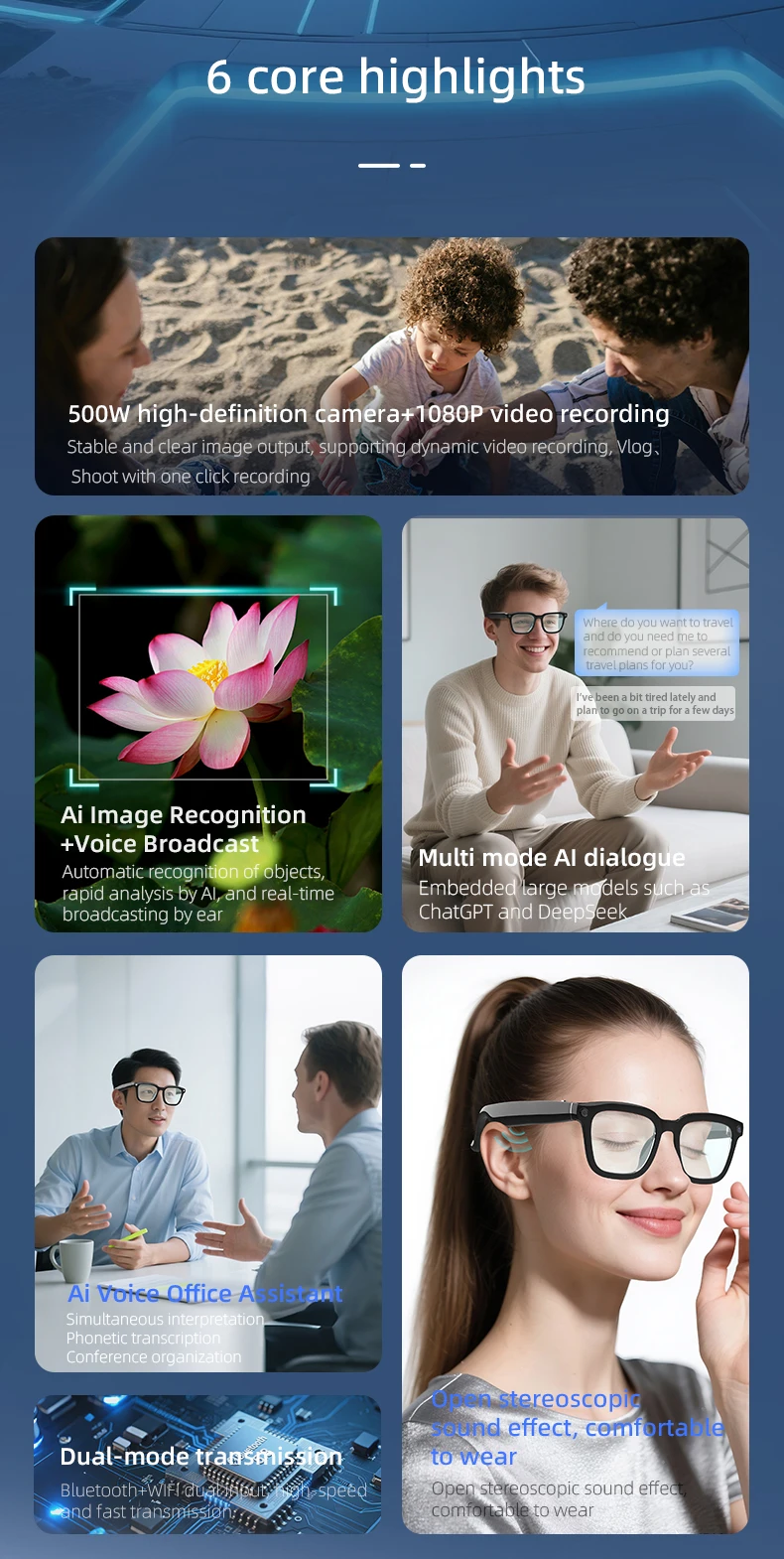
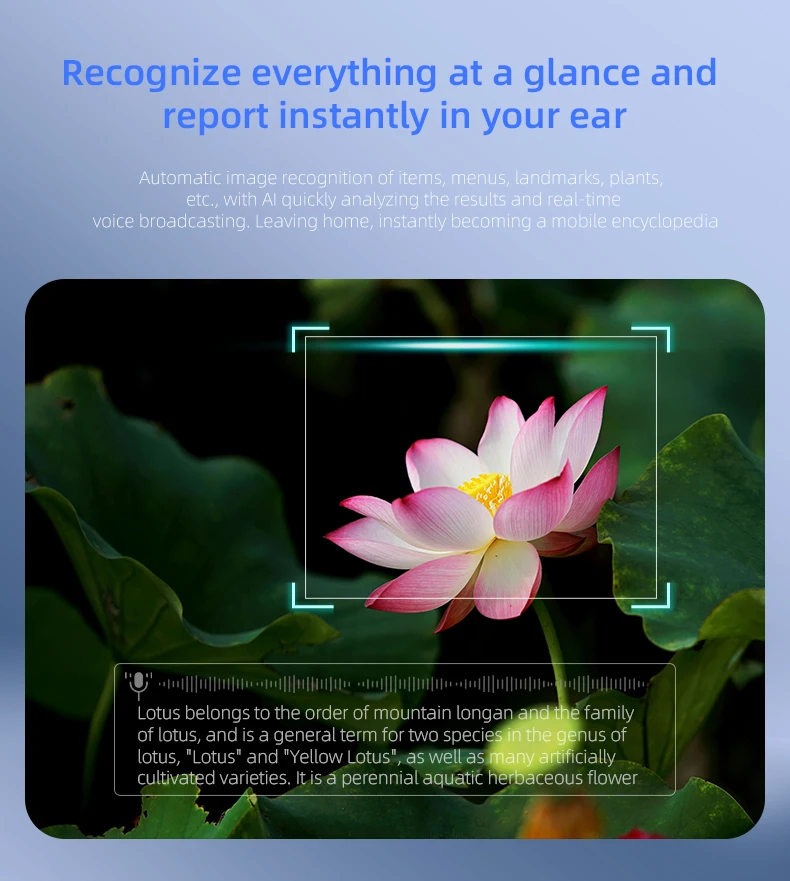
Function: Music,Camera,VIDEO,Voice Assistant,calling
High-concerned chemical: None
Language: English
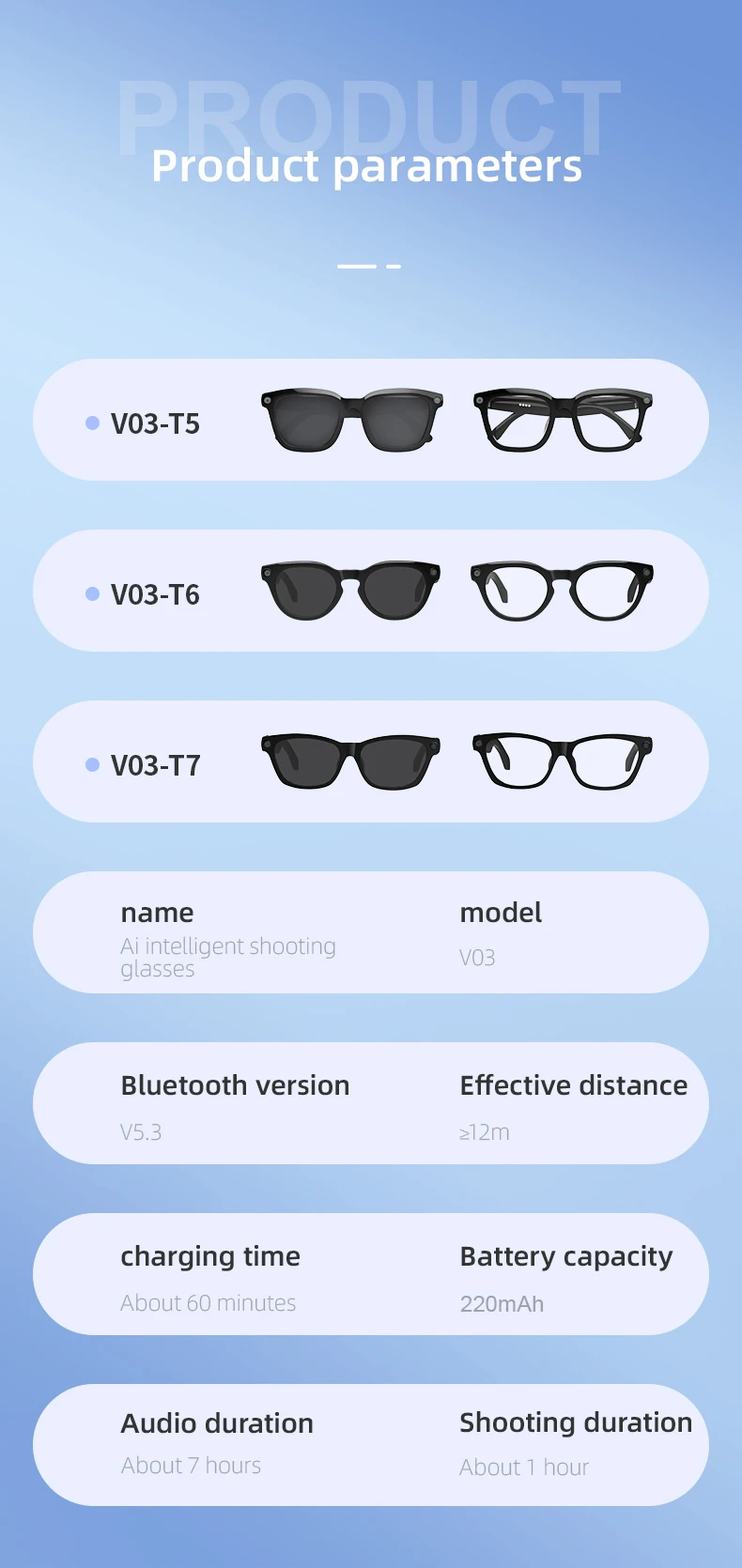
Model Number: EV03-T5
Origin: Mainland China
RAM: 128M
Type: Mixed Reality
New Wifi AI Smart Glasses HD1080P Anti-shake Camera Video Glasses Voice Call Noise Reduction Wireless Bluetooth Headset Goggles
Note:
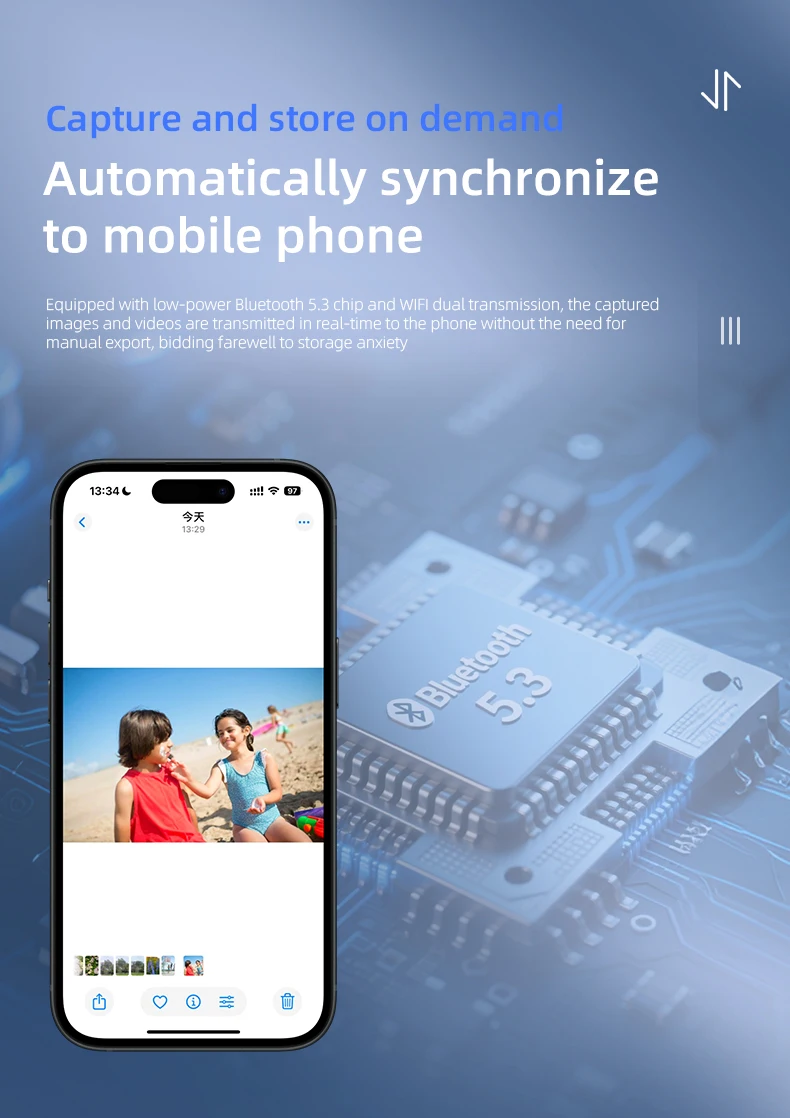
You need to use your mobile phone to scan the QR code on the instruction manual to download the app and pair it with the glasses in the app.
Note: The video will stop automatically after a maximum of 3 minutes.
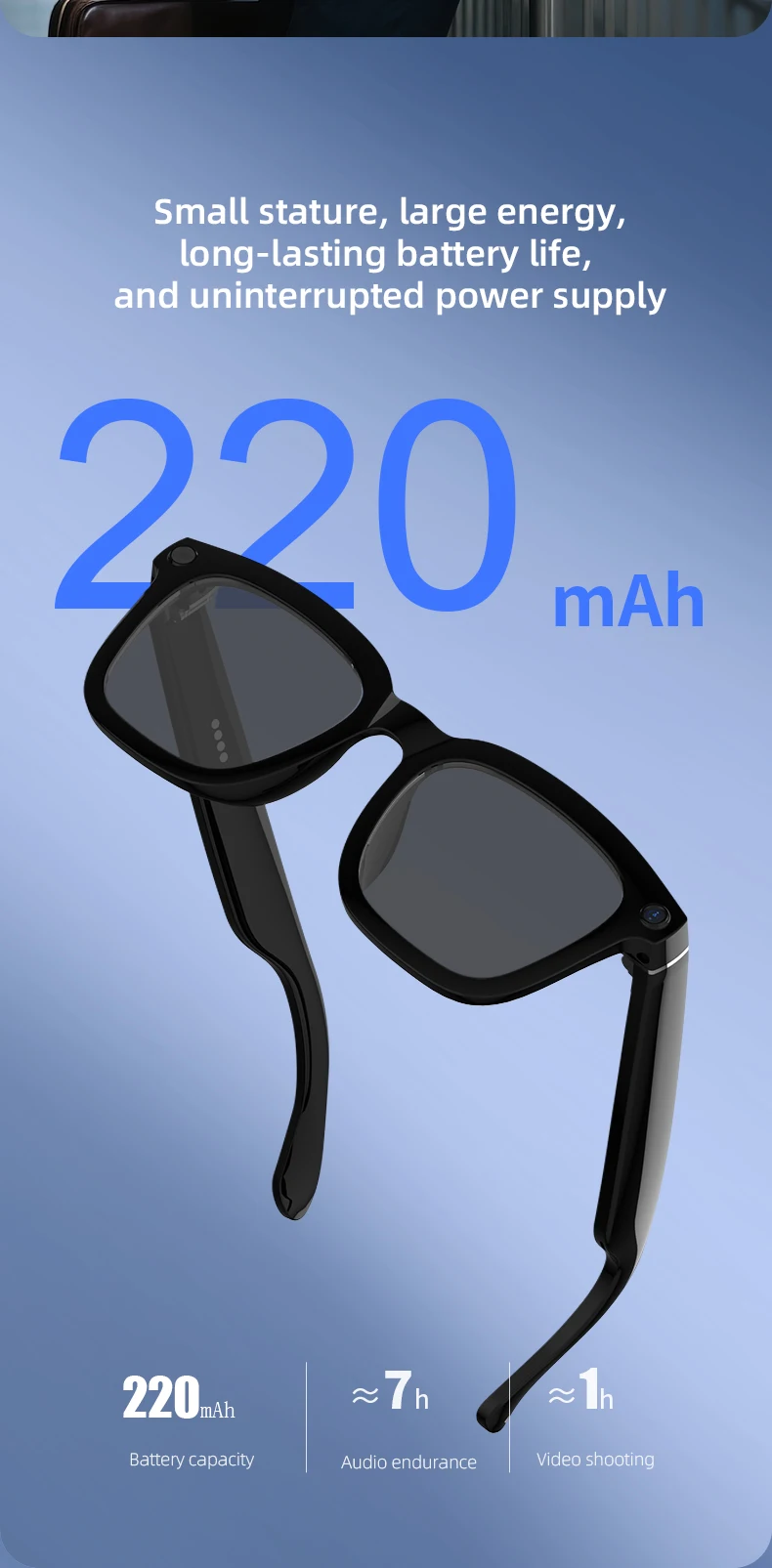
Frequent use of photo/video/audio functions will consume power faster, which is normal.
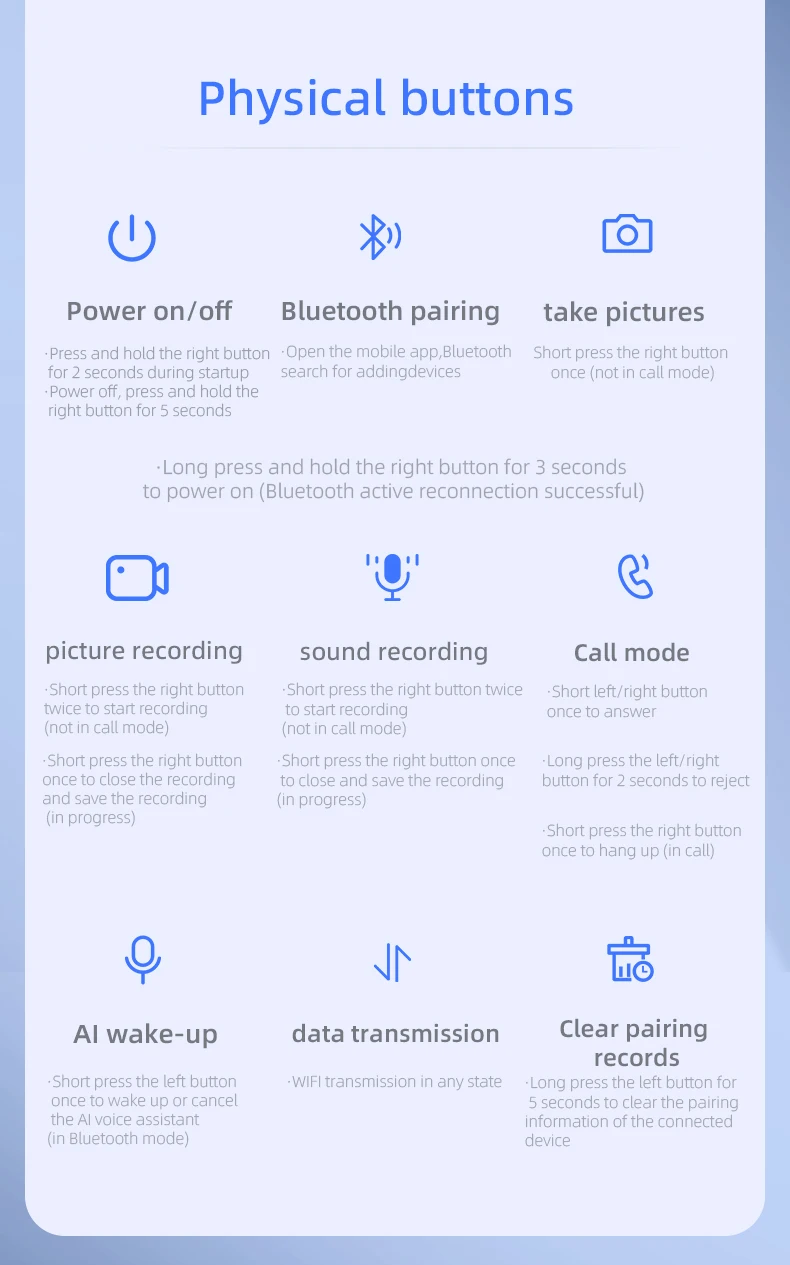
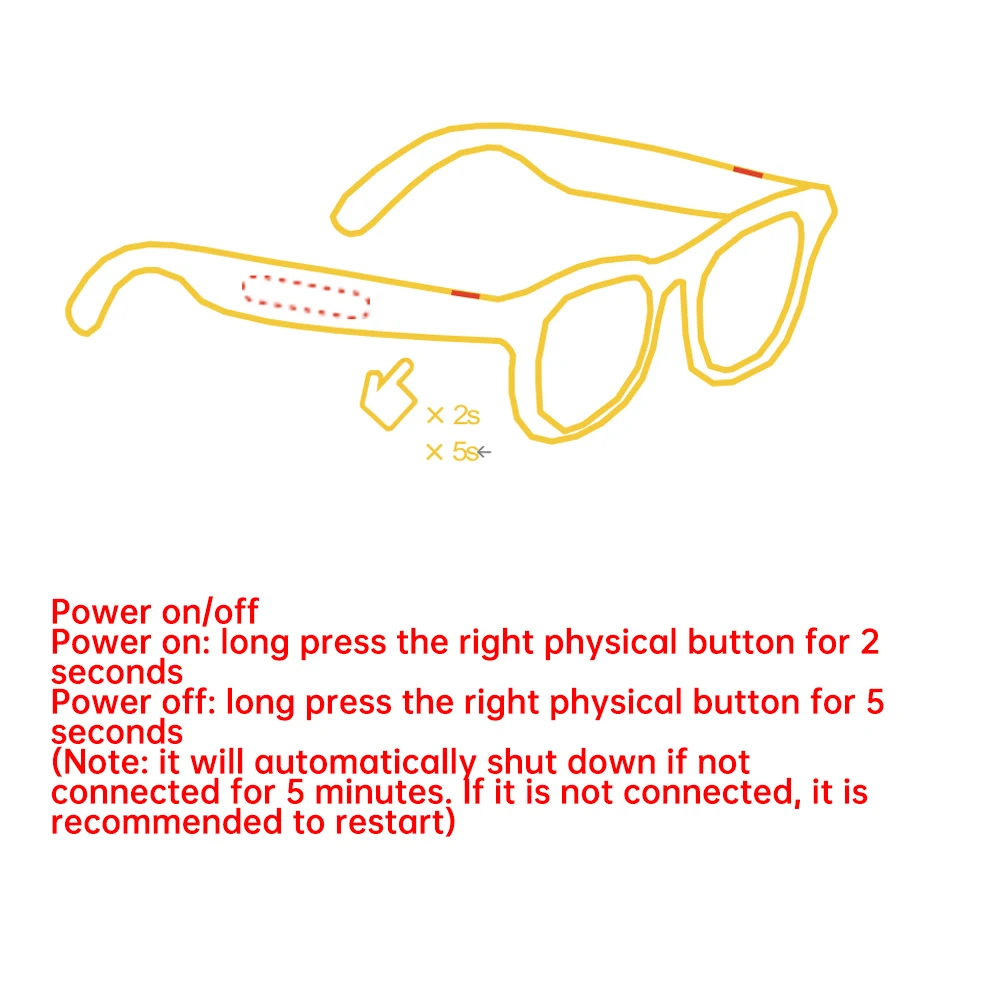 Power on/off
Power on: long press the right physical button for 2 seconds
Power off: long press the right physical button for 5 seconds
(Note: it will automatically shut down if not connected for 5 minutes. If it is not connected, it is recommended to restart)
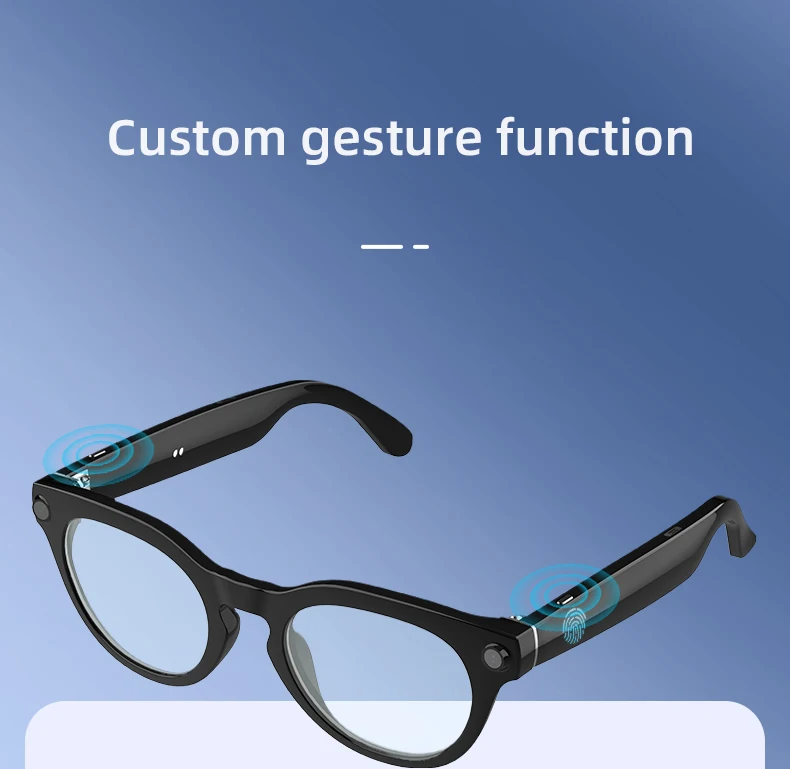
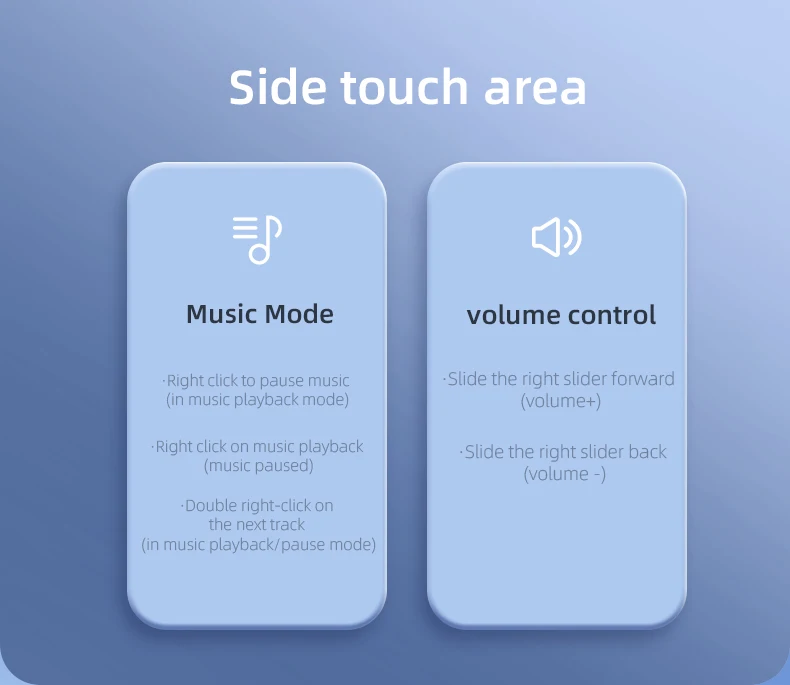
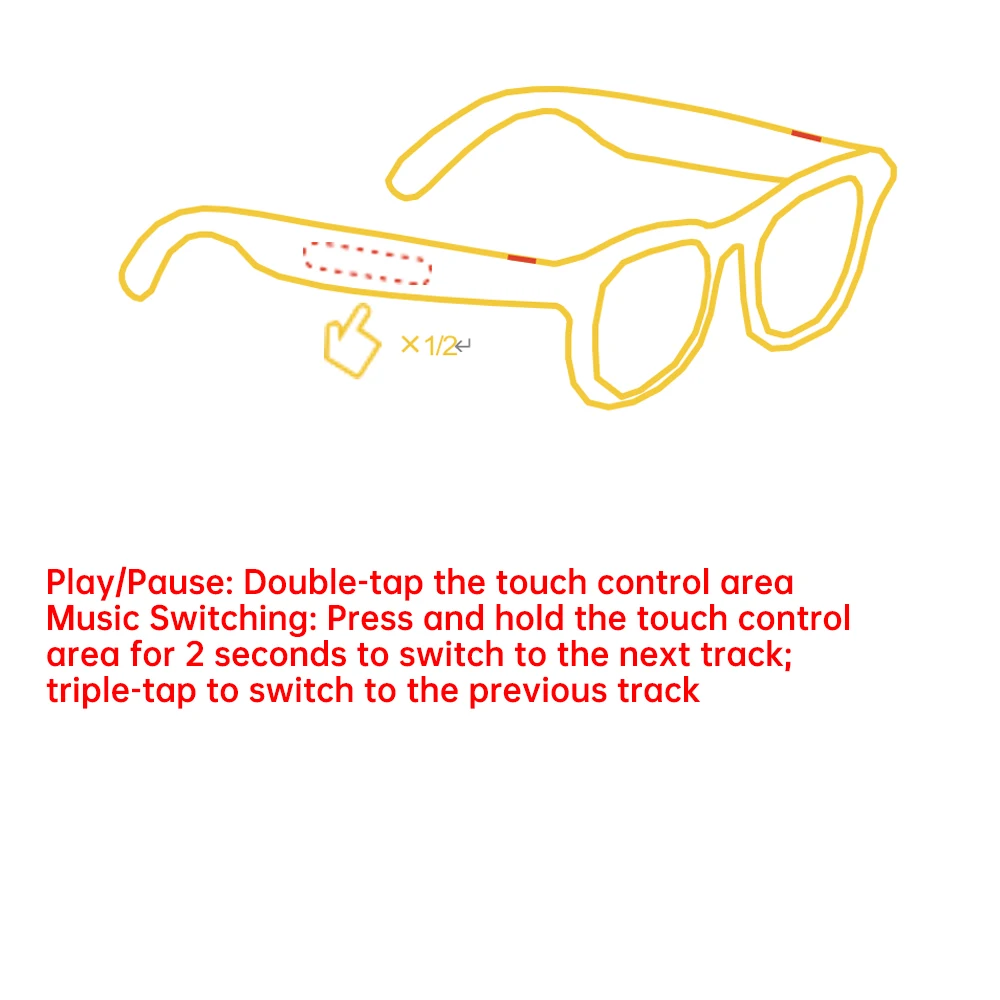 Play/Pause: Double-tap the touch control area Music Switching: Press and hold the touch control area for 2 seconds to switch to the next track; triple-tap to switch to the previous track
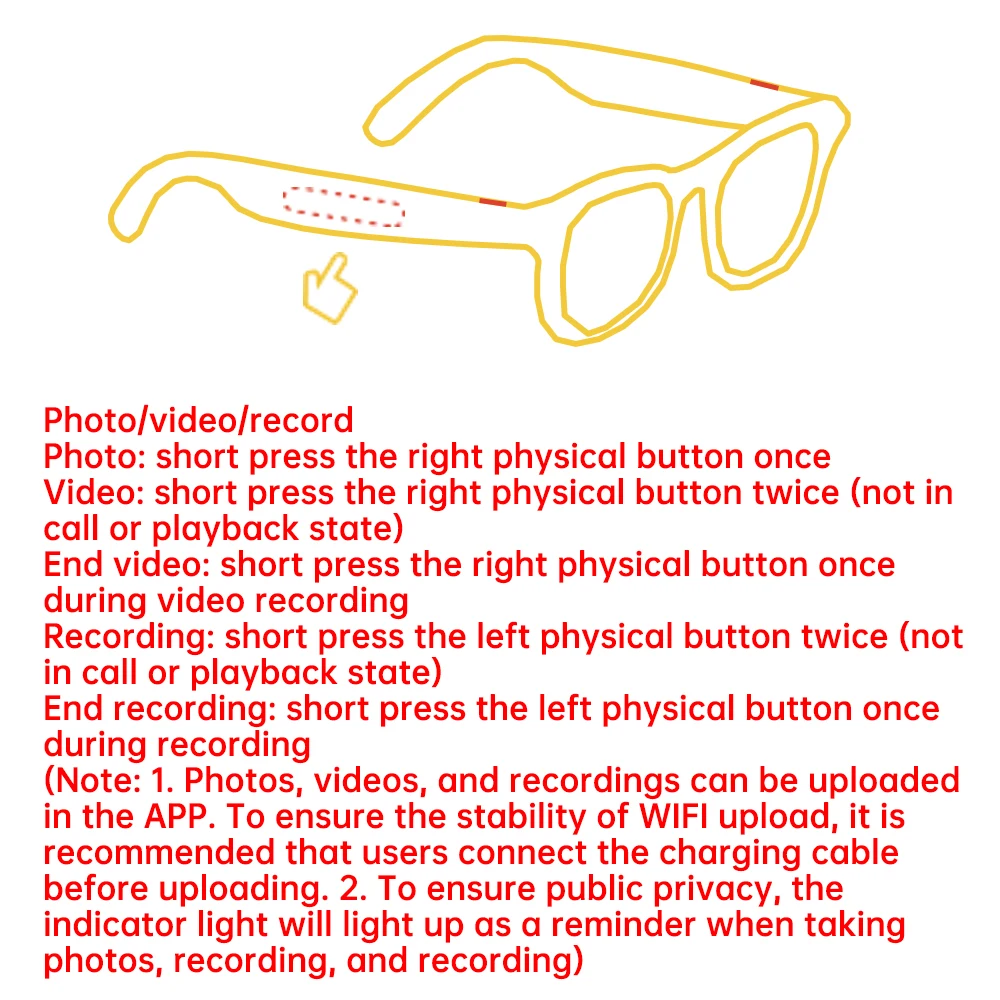
Photo/video/record
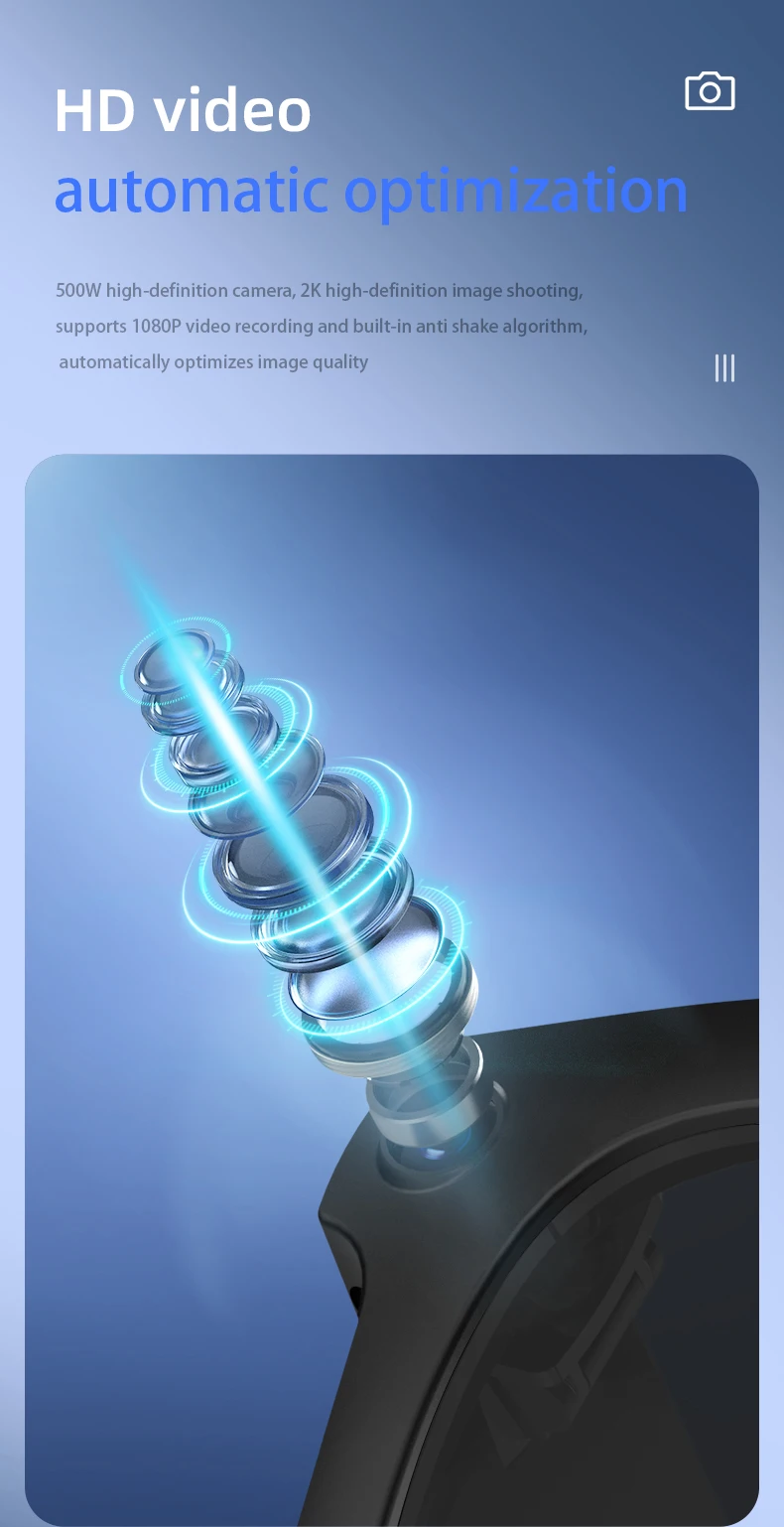
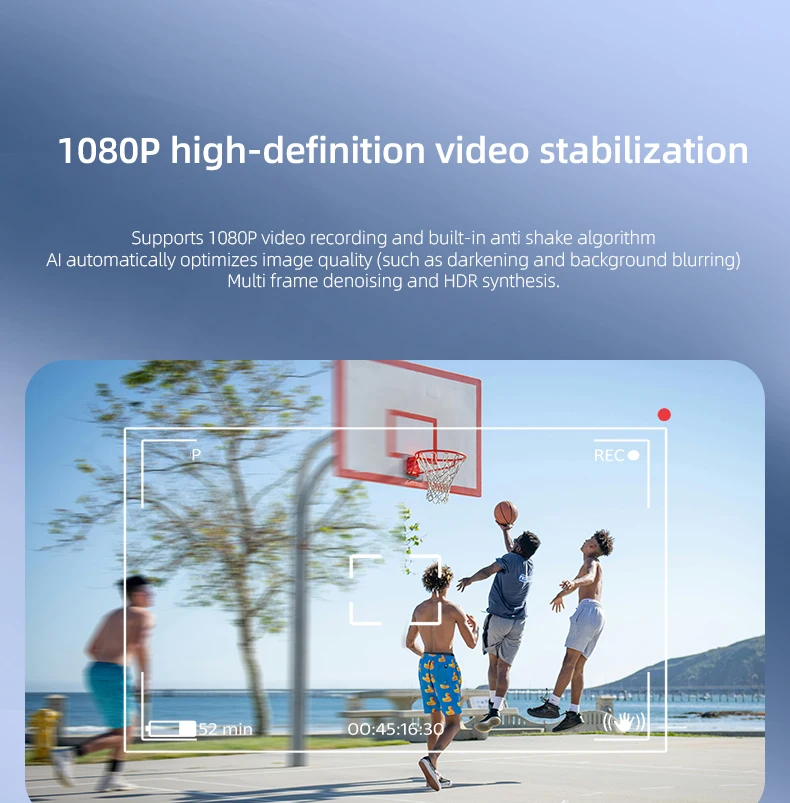
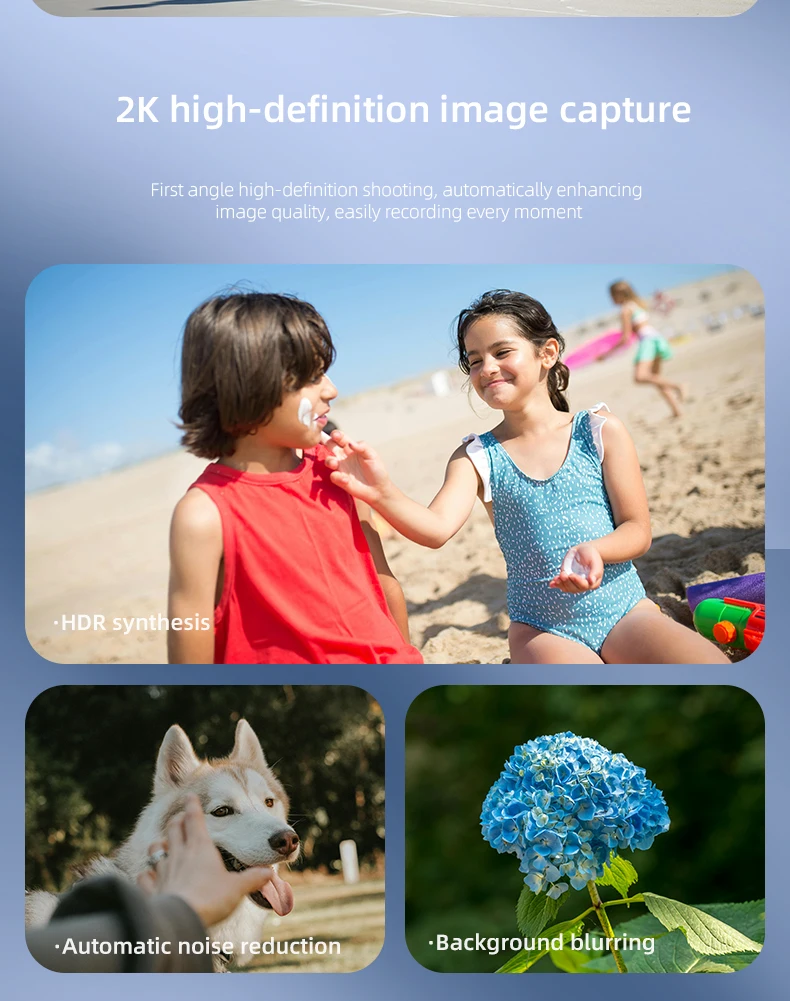
Photo: short press the right physical button once
Video: short press the right physical button twice (not in call or playback state)
End video: short press the right physical button once during video recording
Recording: short press the left physical button twice (not in call or playback state)
End recording: short press the left physical button once during recording
(Note: 1. Photos, videos, and recordings can be uploaded in the APP. To ensure the stability of WIFI upload, it is recommended that users connect the charging cablebefore uploading.2.To ensure public privacy, theindicator light will light up as a reminder when takingphotos, recording, and recording)
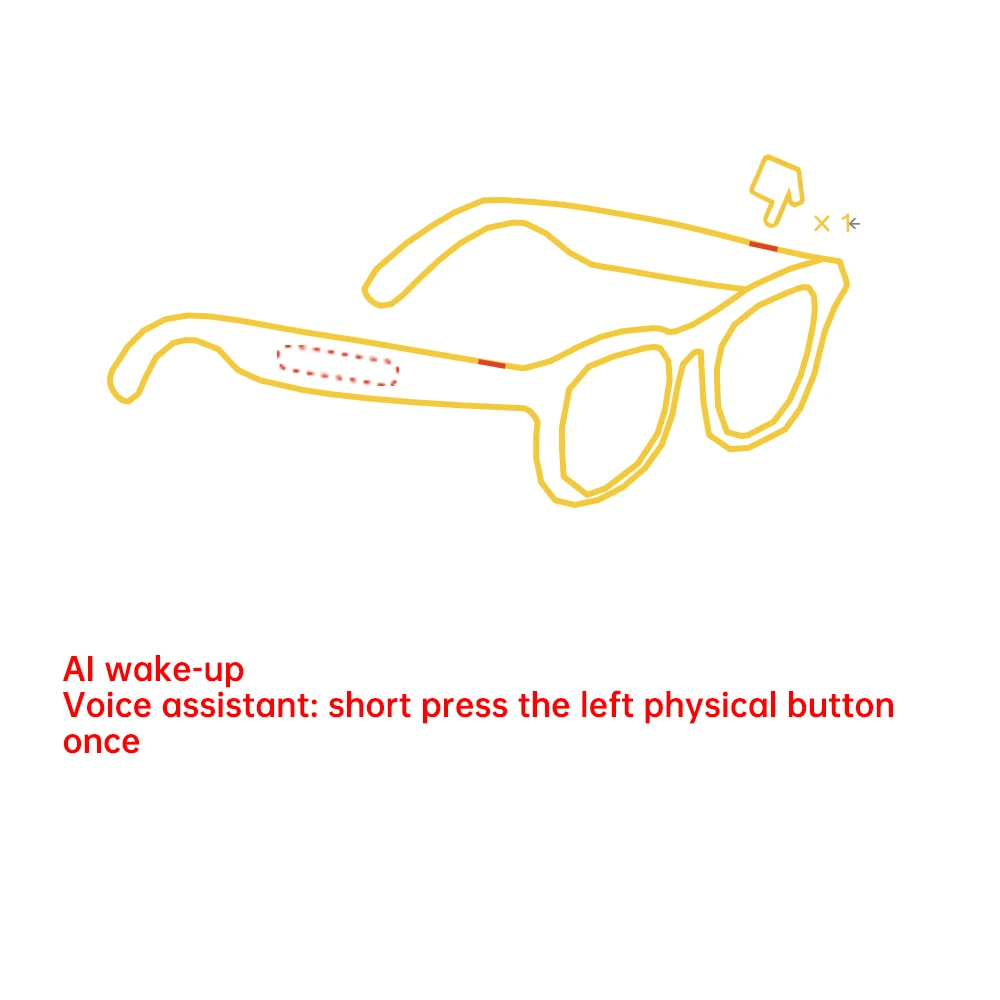 AI wake-up
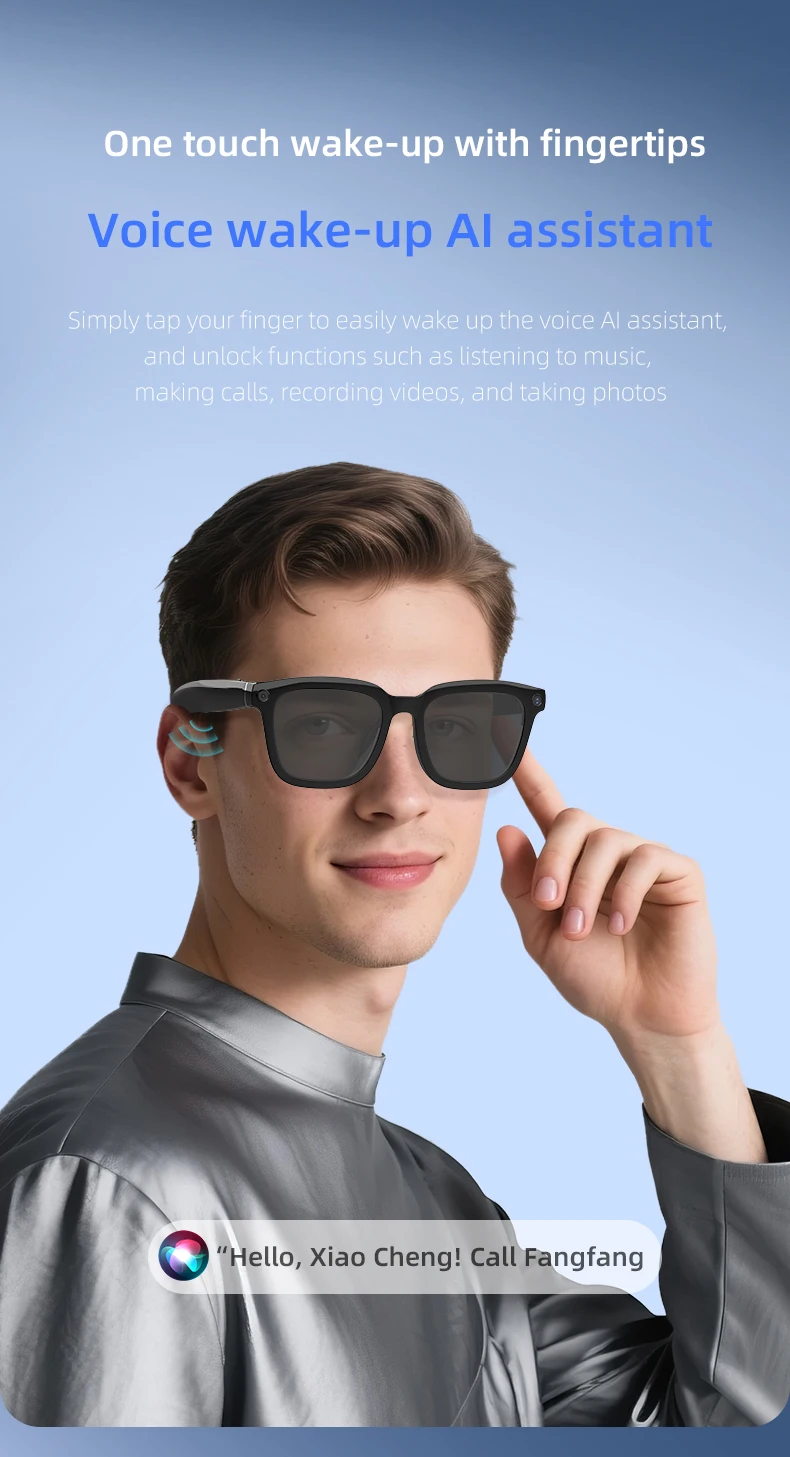
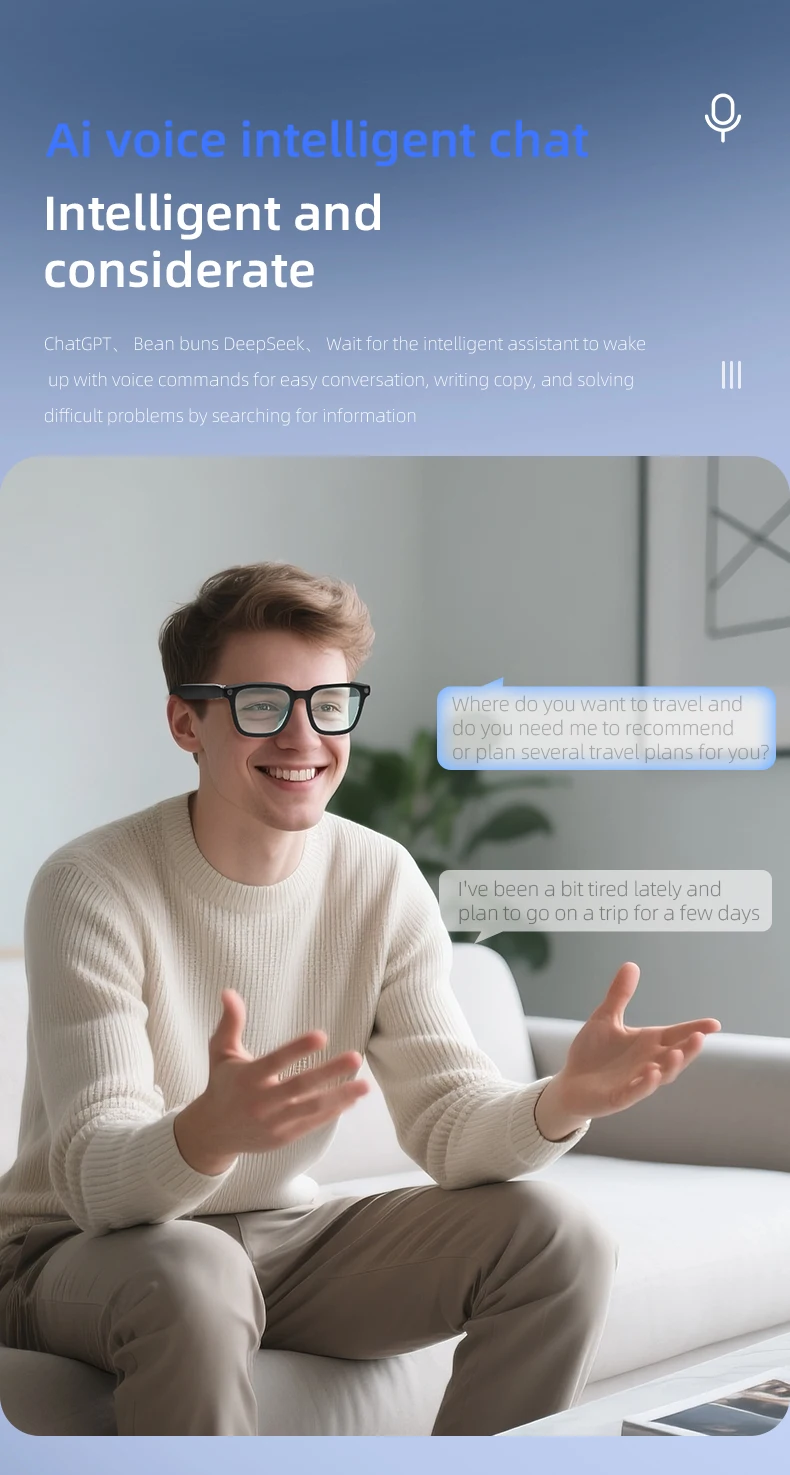
Voice assistant: short press the left physical button once
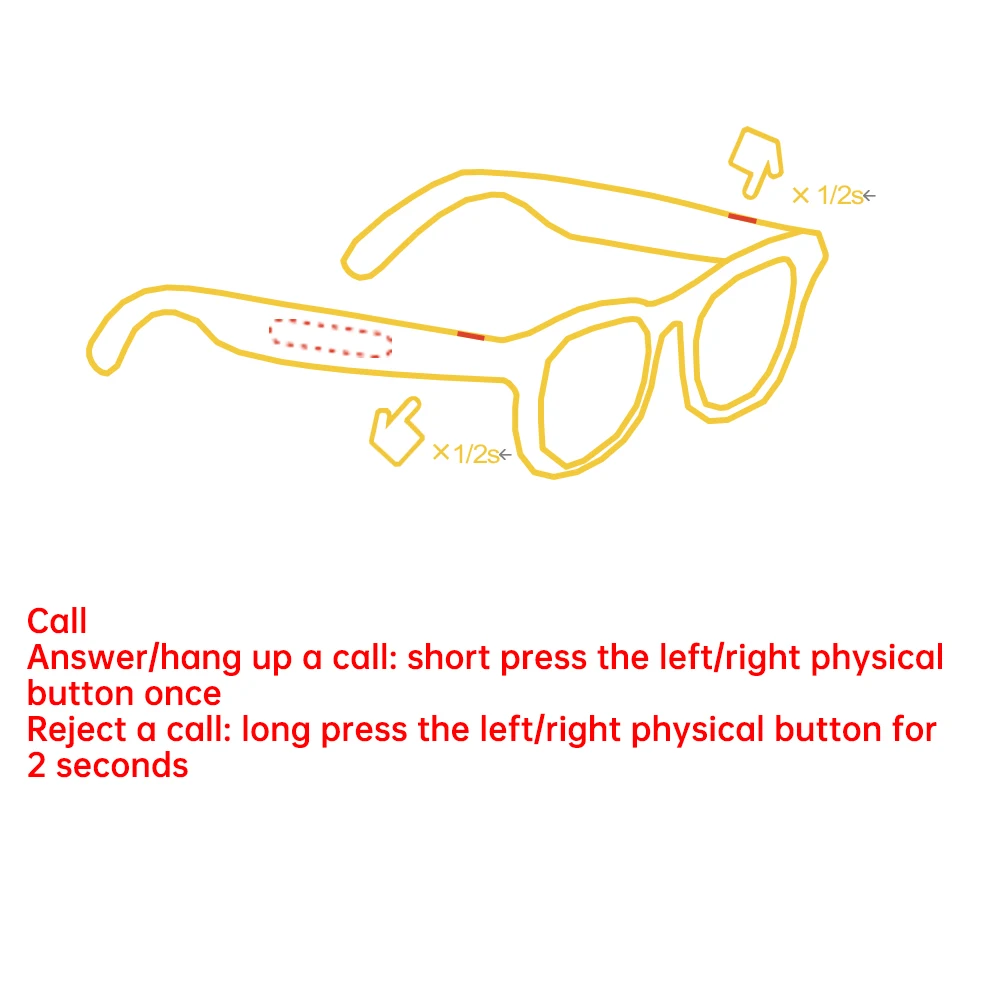 Call
Call
Answer/hang up a call: short press the left/right physical button once
Reject a call: long press the left/right physical button for 2 seconds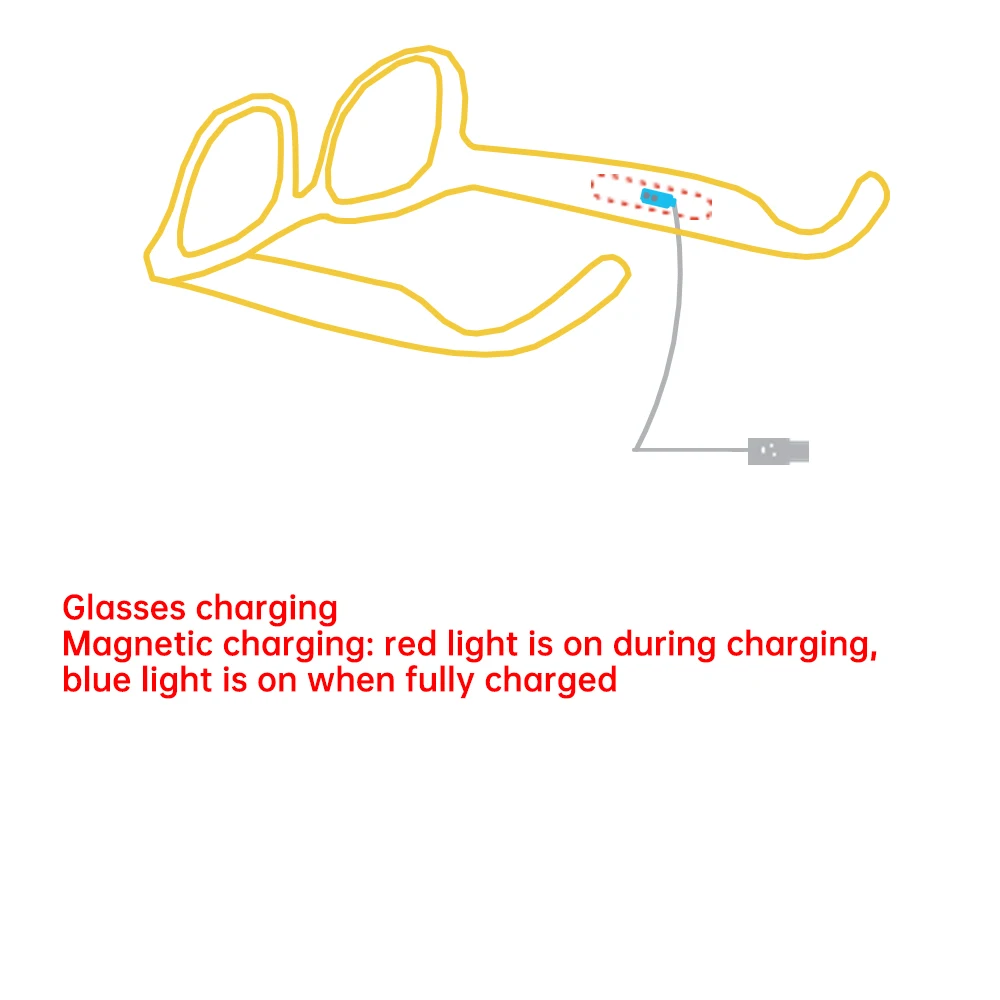
Glasses charging
Magnetic charging: red light is on during charging, blue light is on when fully charged